PLAUD Note review: useful shortcut or another subscription?
PLAUD Note makes the most sense for people who record meetings and phone calls often enough to value a dedicated capture button. The hardware is the easy part; the real buying decision is whether its transcription allowance and cloud workflow fit your week.
Evidence review updated August 31, 2026 · We reviewed current PLAUD documentation, plan terms and export options. We have not conducted a long-term hands-on durability test.
Quick verdict
Buy it for frictionless capture—not because it magically fixes messy meetings.
Its slim hardware, call-recording mode and structured exports solve a real workflow problem. But occasional users can do much of the same work with a phone app, while teams with strict data policies should review cloud and consent requirements before purchasing.
Check PLAUD Note on AmazonSee the ongoing costAffiliate disclosure: We may earn a commission from qualifying purchases, at no extra cost to you.
Who should buy PLAUD Note?
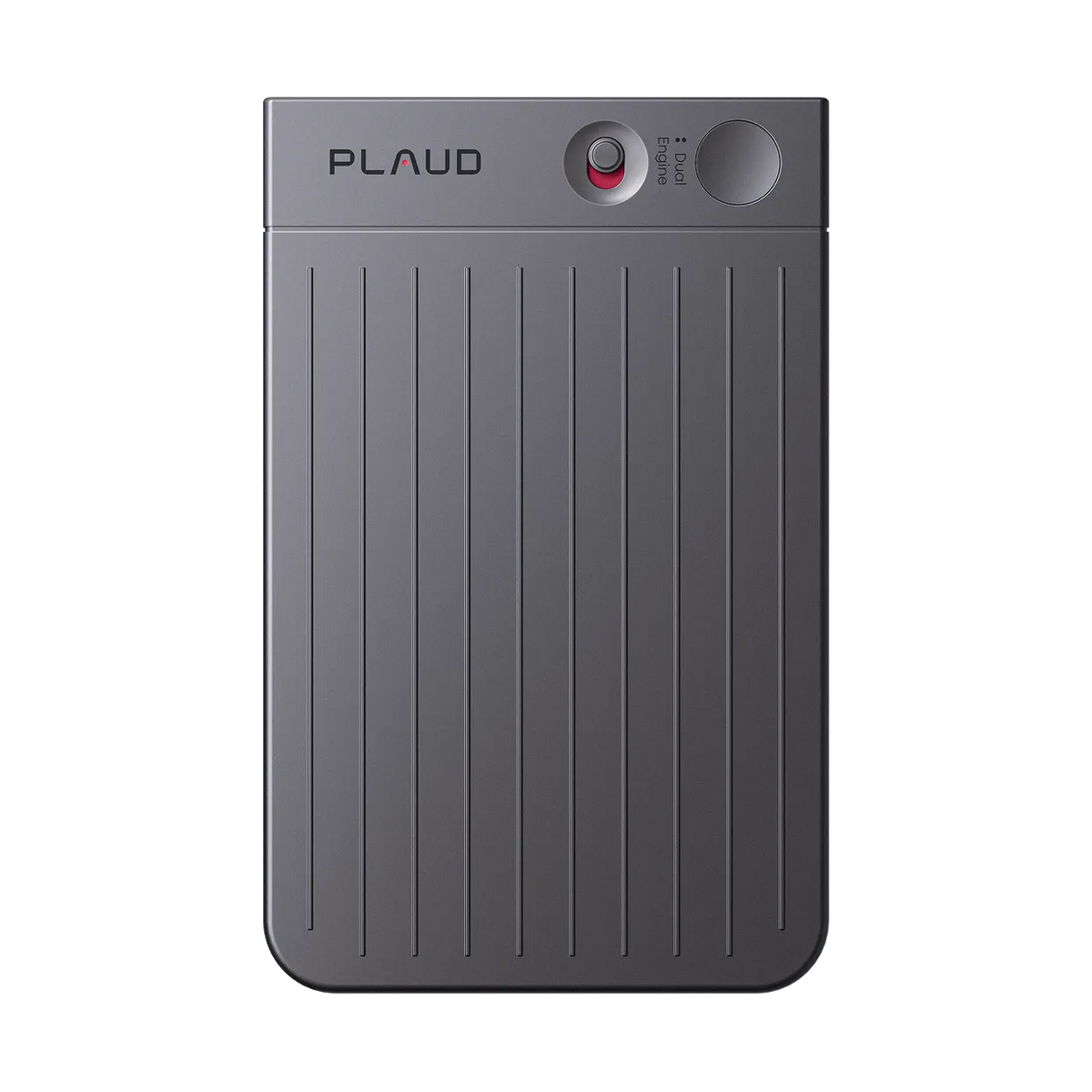
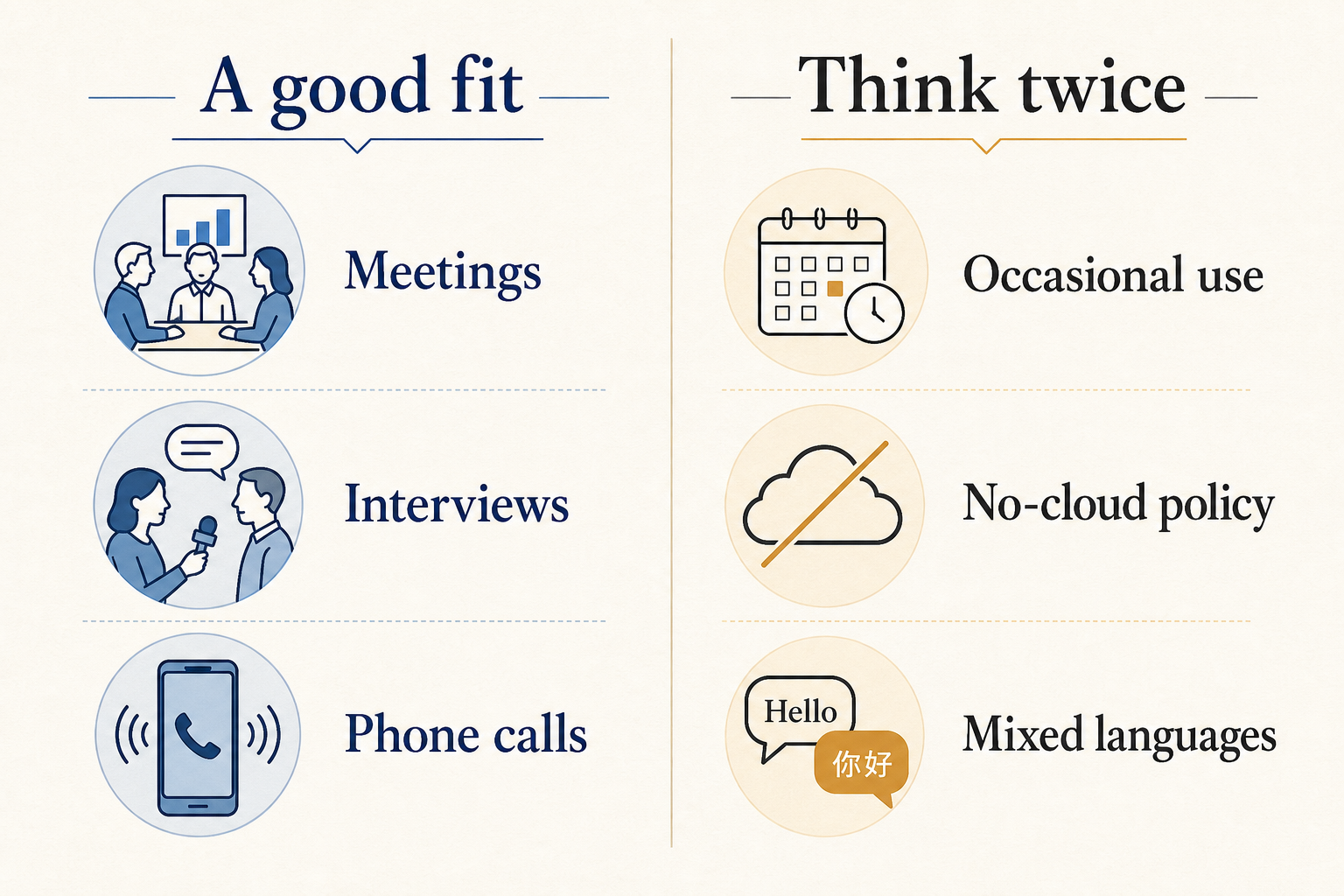
The clearest fit is a consultant, recruiter, sales operator, journalist or manager who regularly turns conversations into notes and follow-up work. A dedicated recorder removes the small but repeated friction of opening an app, checking the input and keeping a phone available during the conversation.
PLAUD’s own documentation says Note supports separate in-person and phone-call recording modes. The device stores audio locally and transfers recordings into the PLAUD app for transcription and summaries. That workflow is more deliberate than a background meeting bot, which can be a benefit when you want physical control over when recording starts.
What the workflow actually looks like
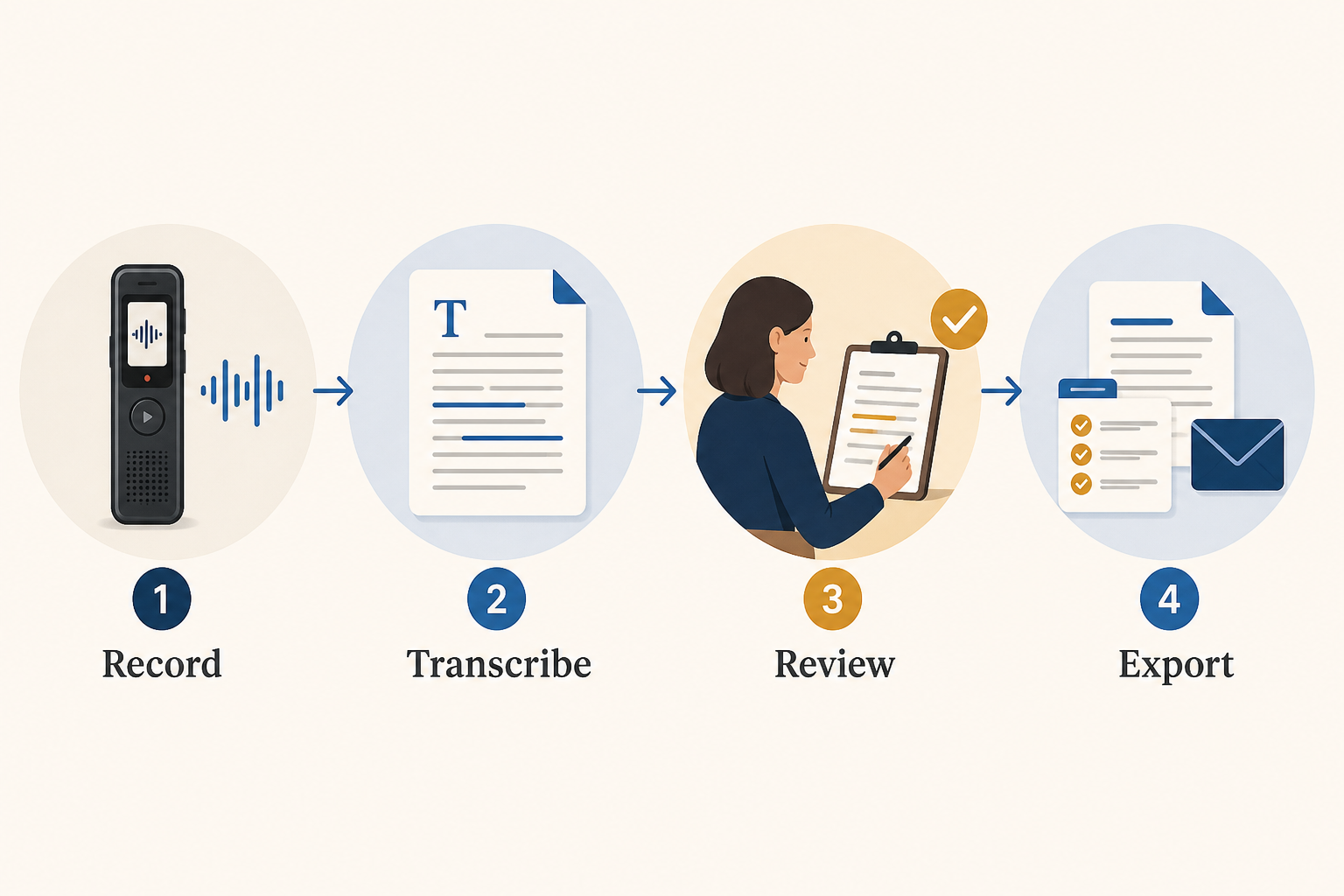
The useful output is not the raw transcript. The practical sequence is capture, transcribe, review, then export. Human review matters because names, technical terms and overlapping speakers can still produce errors. PLAUD supports custom vocabulary and speaker labels, but neither replaces checking the record before sharing it.
Exports are unusually flexible for this category. Current support documentation lists MP3 and WAV for audio; TXT, SRT, DOCX and PDF for transcripts; and TXT, Markdown, DOCX and PDF for summaries. That makes it easier to move material into a CRM, project document or video-caption workflow without locking every step inside one app.
The hardware price is not the full cost
The standard PLAUD Note is currently listed by the manufacturer at $159. Every device includes the Starter plan with 300 transcription minutes per month. Current annual billing is listed at $8.33 per month for Pro with 1,200 monthly minutes, while Unlimited is listed at $19.99 per month. Monthly billing costs more. Prices and plan limits can change, so verify them before purchase.
| Plan | Included transcription | Who it suits |
|---|---|---|
| Starter | 300 minutes/month | Light weekly use and evaluation |
| Pro | 1,200 minutes/month | Regular meetings and interviews |
| Unlimited | Up to 24 hours/day under current terms | Heavy professional capture |
Before buying, estimate your actual recorded hours. Four one-hour meetings a week already exceed the free allowance. That simple calculation is more useful than comparing a long list of AI features.
What stands out
Phone calls and in-person conversations use different capture modes
The physical slider separates note recording from phone-call recording. According to PLAUD, Note uses two MEMS microphones and one vibration pickup component, with an advertised in-person pickup distance of up to three meters under suitable conditions.
Exports fit real work
DOCX, PDF, Markdown and subtitle exports reduce dependence on copy-and-paste. Speaker labels and timestamps can be included when exporting a transcript.
The free allowance is enough to test the habit
Three hundred minutes a month will not cover a meeting-heavy job, but it is enough to learn whether the device changes your note-taking behavior before paying for another plan.
What would make us pause
Mixed-language meetings remain a weak point
PLAUD supports more than 112 transcription languages, but its support documentation says each recording is transcribed in one selected or automatically detected primary language. Mixed-language segments may be less accurate. Bilingual teams should test representative audio before standardizing on it.
Clear audio still matters
Speaker separation works best when voices are distinct, people avoid talking over one another and the device stays close to the group. No AI recorder eliminates room acoustics, background noise or crosstalk.
Consent and data policy come before convenience
Recording laws vary by jurisdiction and workplace. Obtain the required consent before recording. Organizations handling sensitive information should also review PLAUD’s security documentation, retention choices and internal cloud policy rather than relying on compliance badges alone.
Alternatives to consider
| Option | Choose it when | Main tradeoff |
|---|---|---|
| PLAUD Note | You need both calls and in-person capture in a slim device | Subscription becomes relevant for heavier use |
| PLAUD NotePin | You prefer wearable, hands-free capture | Less natural for phone attachment |
| Phone recorder + transcription app | You record occasionally and want no extra hardware | More setup friction and phone battery use |
| Meeting bot | Most conversations happen in Zoom or Teams | Visible bot presence and weaker offline capture |
Frequently asked questions
Does PLAUD Note work without a paid subscription?
Yes. The included Starter plan currently provides 300 transcription minutes each month. The recorder can capture audio, but AI transcription beyond the included allowance may require an upgrade or extra minutes.
Can PLAUD Note record phone calls?
Yes. The manufacturer documents a dedicated phone-call mode in addition to in-person note recording. Recording consent rules still apply.
How many languages does PLAUD support?
PLAUD currently lists more than 112 transcription languages. It does not currently promise reliable multilingual transcription within the same recording.
Can I export my recordings and transcripts?
Yes. Current documented formats include MP3/WAV audio, TXT/SRT/DOCX/PDF transcripts, and TXT/Markdown/DOCX/PDF summaries.