Best AI voice recorders for meetings: choose the workflow first
The best option depends on where you meet. PLAUD Note is the practical hardware pick for calls and rooms, NotePin suits hands-free field work, and Otter is better when most meetings already happen online.
Updated September 1, 2026. This is an evidence-based buying guide built from current manufacturer documentation. We have not run a long-term durability test of every product listed.
PLAUD Note is the safest dedicated-device choice. Otter is the better hardware-free starting point.
Do not pay for a recorder until you know whether your main problem is audio capture, transcription, or meeting follow-up. Dedicated hardware reduces capture friction. Software is cheaper to test and stronger for scheduled video calls.
Check PLAUD Note on AmazonAffiliate disclosure: We may earn a commission from qualifying purchases, at no extra cost to you.
Our picks at a glance
| Option | Best for | Main tradeoff |
|---|---|---|
| PLAUD Note | Phone calls plus seated meetings | Heavy transcription can require a paid plan |
| PLAUD NotePin | Hands-free interviews and field work | No phone-call recording mode |
| Otter | Zoom, Teams, Meet and phone-based recording | Relies on a phone, computer or meeting bot |
| Sony ICD-UX570 | Reliable traditional audio capture | Transcription requires a separate service |
| Zoom H1essential | Higher-quality interviews and creator audio | Bulkier and not an integrated AI workflow |
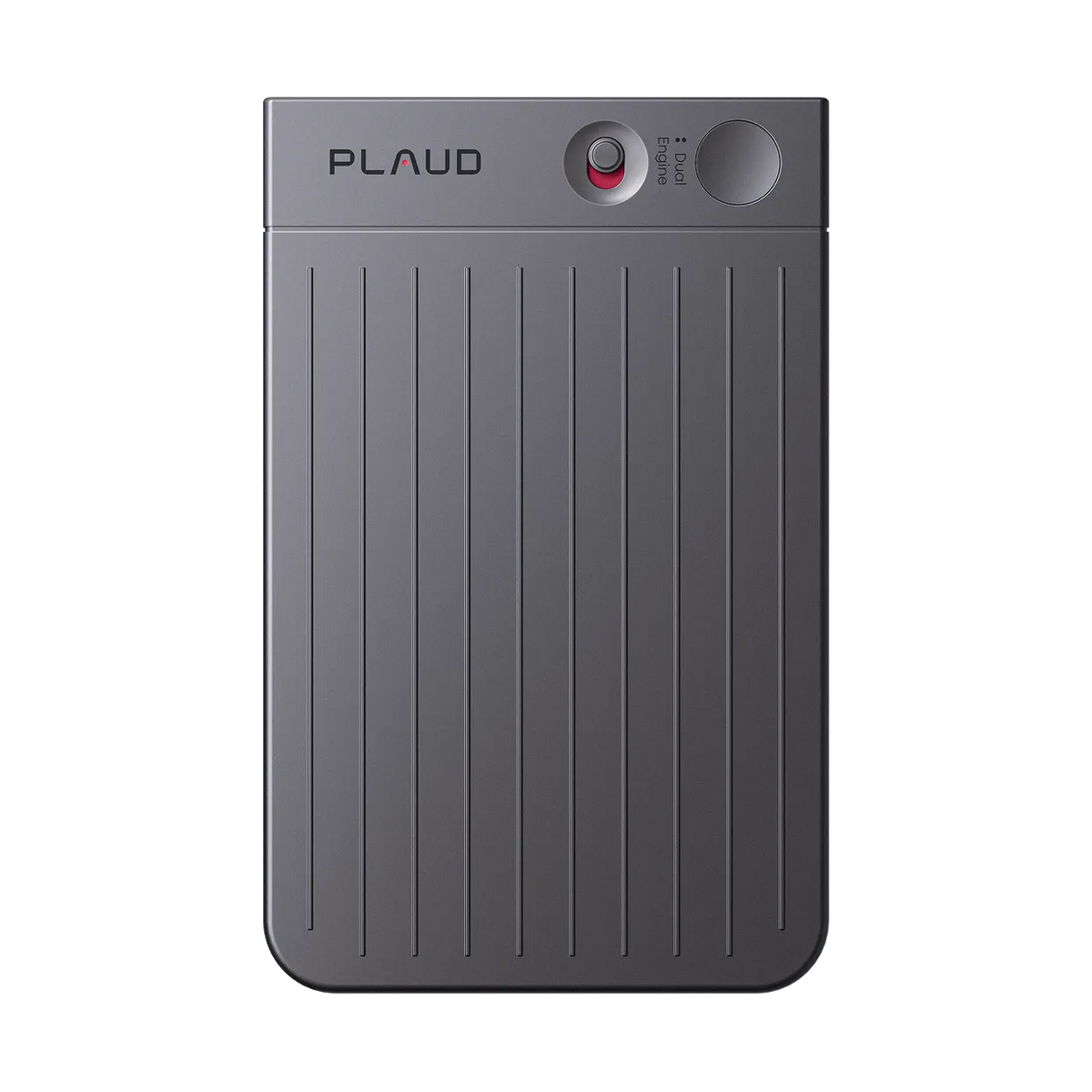
PLAUD Note product image provided by the manufacturer.
Best dedicated recorder: PLAUD Note
PLAUD Note is a thin, 30 g recorder with separate in-person and phone-call modes. Current specifications list two MEMS microphones, a vibration pickup component, 64 GB storage, an advertised pickup range of 9.84 feet, and up to 30 hours of continuous recording. The physical switch is the real advantage: recording does not depend on finding the right phone screen while a conversation is starting.
The included Starter plan currently covers 300 transcription minutes each month. Pro lists 1,200 minutes, while Unlimited targets heavier users. Estimate your weekly hours before buying. Four one-hour meetings a week will exceed the included allowance.
Buy it if: missed calls or meetings create rework and you want one device for both. Skip it if: you only record occasionally or your employer does not permit cloud transcription.
Best wearable: PLAUD NotePin
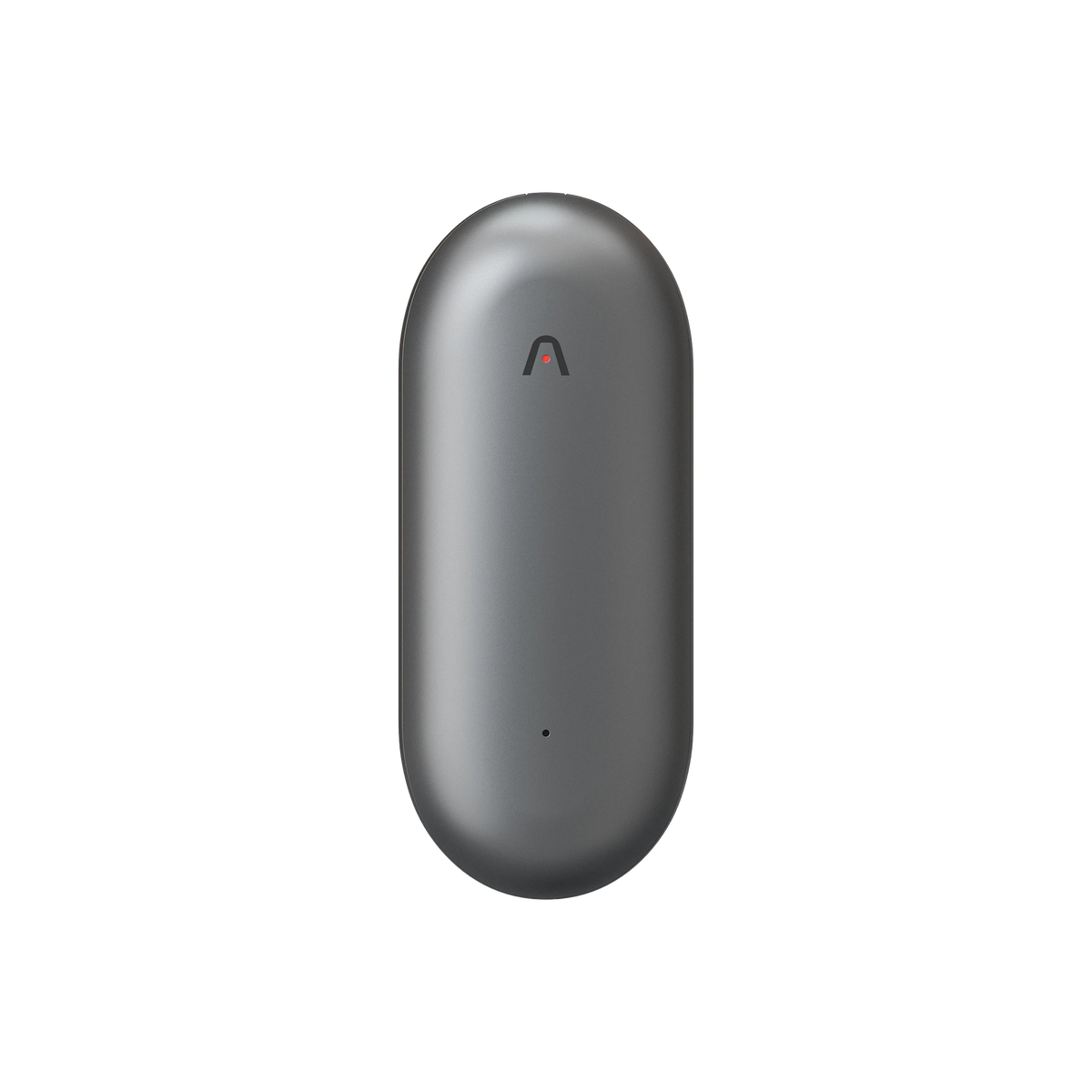
PLAUD NotePin product image provided by the manufacturer.
At 16.6 g without its magnetic pin, NotePin is easier to wear during a site visit, classroom session or walk-and-talk interview. It shares PLAUD’s app and transcription plans, but its hardware is built around hands-free in-person capture. PLAUD states that NotePin does not support phone-call recording because it lacks Note’s vibration pickup component.
Choose NotePin when movement matters. Choose Note when calls matter. Our detailed PLAUD Note vs NotePin comparison explains the hardware differences.
Best without extra hardware: Otter
Otter records and transcribes through its web, desktop and mobile apps, and its Notetaker can join supported Zoom, Microsoft Teams and Google Meet calls. The current Basic plan includes 300 monthly transcription minutes. The Pro page lists 1,200 in-app recording minutes and up to 90 minutes per meeting.
Otter is the easiest place to start if your laptop or phone microphone is already adequate. Its weakness is also clear: in-person quality depends on the microphone and placement of the device you already own. Otter’s own guidance notes that real-time transcription requires an internet connection and that recorded playback audio is compressed.
When a traditional recorder is better
Sony ICD-UX570
Sony’s compact recorder supports linear PCM and MP3, includes 4 GB of built-in memory and charges through USB. It is a sensible choice when dependable audio capture matters more than automatic summaries. Add transcription later with the service your organization approves.
Zoom H1essential
Zoom’s H1essential records 32-bit float WAV through a 90-degree XY stereo microphone pair and stores files on microSDHC or microSDXC media. It is the stronger choice for interviews, creator work and audio that may be edited later. It is not a one-button AI notes product, so expect a separate upload and transcription step.
How we chose
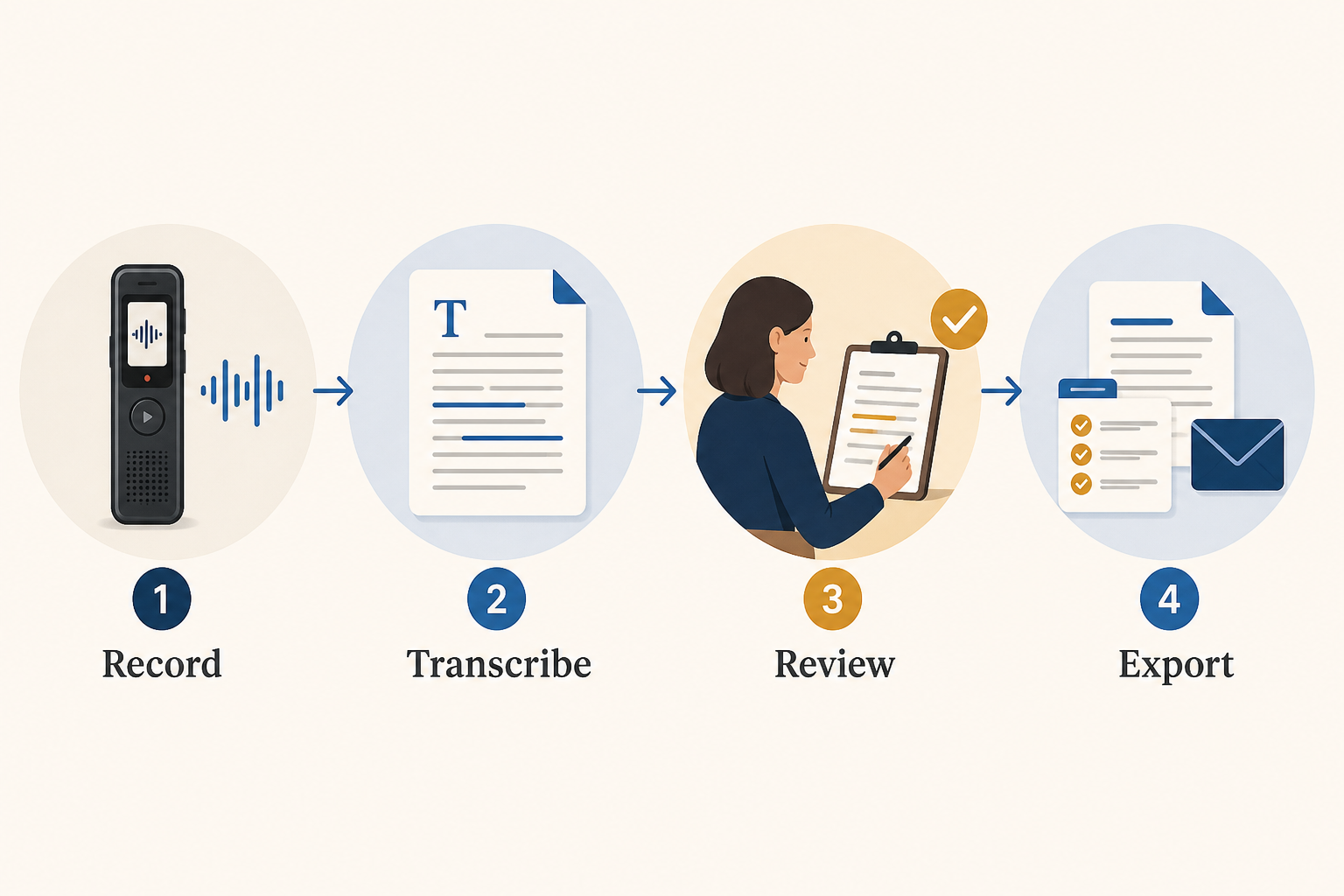
We compared capture method, documented battery and storage, export flexibility, transcription allowance, phone-call support and the amount of work required after recording. We did not invent accuracy percentages or pretend that specification review equals hands-on testing. Transcript quality changes with distance, background noise, accents and overlapping speech.
Frequently asked questions
Do AI voice recorders work without a subscription?
The hardware can still capture audio, but AI transcription allowances differ. PLAUD currently includes 300 minutes each month. Traditional Sony and Zoom recorders capture audio without an AI plan but need separate transcription.
Which is best for phone calls?
PLAUD Note is the clearest dedicated option here because it has a documented phone-call mode. NotePin does not. Recording consent rules still apply.
Which is best for online meetings?
Start with Otter if most meetings happen on Zoom, Teams or Google Meet. A meeting-focused software workflow is usually simpler than placing a physical recorder beside laptop speakers.