Helium 10 Guides / MCP
NEW FEATURE GUIDE · VERIFIED SEPTEMBER 23, 2026
Helium 10 MCP Setup Guide: Connect ChatGPT, Claude or Codex in 2026
Helium 10 MCP lets an AI assistant request seller, product, keyword, profitability and advertising data through Helium 10 instead of relying on manual exports. The opportunity is real, but so are the plan requirement, monthly call allowance and selective write permissions.
What is Helium 10 MCP?
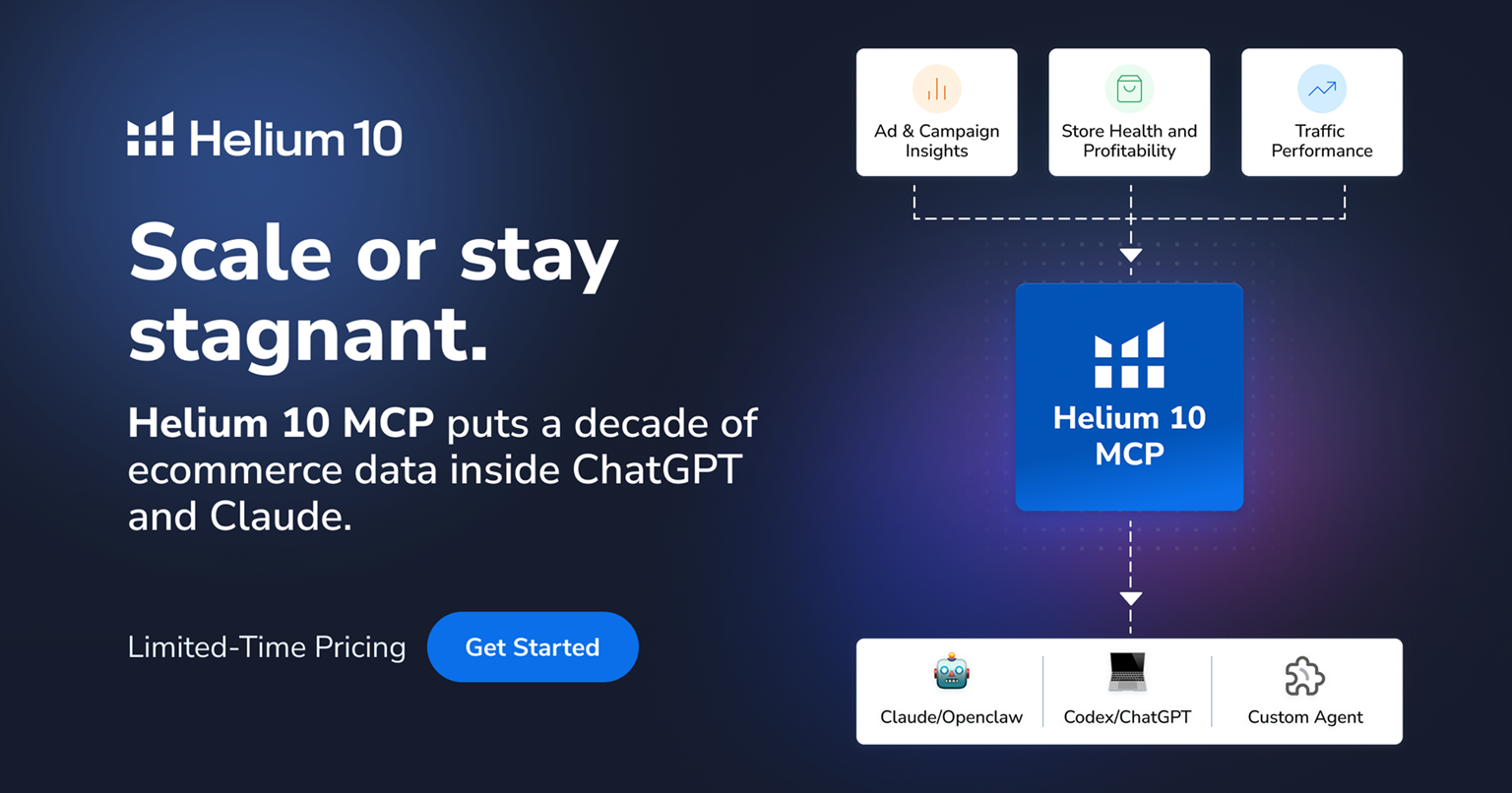
MCP stands for Model Context Protocol, an open connection standard that lets an AI client call external tools. In this case, the external tools expose selected Helium 10 capabilities. Helium 10’s September 22, 2026 documentation lists 118 tools across 22 functional categories, covering research, connected commerce data, reporting and selected management actions.
The important distinction is that MCP does not simply paste an old CSV into a chatbot. The assistant can decide which authorized Helium 10 tool to call for the question, retrieve structured data, and interpret the result. Data freshness still depends on the underlying source and sync cycle; Helium 10 explicitly says not to assume every result is real-time.
Requirements and current cost
| Requirement | Current official position | Practical implication |
|---|---|---|
| Subscription | Diamond or higher | Platinum and Free users should not upgrade solely for MCP without valuing the broader Diamond package. |
| Included allowance | 1,000 API calls per month | A prompt can use more than one call; pagination is another call. |
| Extra capacity | $50 for 500 additional calls; prorated when purchased mid-cycle | Monitor usage before building recurring reports or automations. |
| AI clients | Claude Web/Desktop, ChatGPT and Codex are documented | The connection and plugin screens can differ by client version. |
| Authentication | OAuth 2.0 | Authorize through the official browser flow; never paste a password into a prompt. |
Diamond is currently listed at $359 monthly or $279/month equivalent when billed yearly. See our full Helium 10 pricing guide before treating MCP as a standalone $50 product: the $50 figure shown publicly is for additional MCP capacity, not a replacement for the required base plan.
How to connect Helium 10 MCP
Claude
- Open Claude settings and go to the Connectors area.
- Browse connectors and search for Helium 10.
- Select Connect.
- Complete Helium 10 authorization in the browser.
- Choose the intended Helium 10 account and approve access.
ChatGPT and Codex
- Open the app’s settings or plugin/connectors area.
- Search for the official Helium 10 integration.
- Install or connect it, then complete the Helium 10 OAuth authorization.
- Return to the AI client.
- Begin with a narrow test such as: “Using Helium 10, list the available marketplaces and confirm which account is selected. Do not change anything.”
Five useful starter workflows
| Goal | Safer first prompt | What to verify |
|---|---|---|
| Keyword research | “For ASIN [X] in Amazon US, return the top relevant organic keywords and explain the filters used. Read only.” | Marketplace, ASIN format, relevance and whether volume is estimated. |
| Competitor comparison | “Compare these three directly comparable ASINs on keyword overlap. Exclude brand terms. Read only.” | Products share use case, pack count, audience and price band. |
| Profitability | “Summarize margin changes for my selected products over the last 30 days. Do not alter costs.” | COGS, indirect costs, ad costs and sync dates are complete. |
| Keyword tracking | “Show tracked keywords with the largest ranking decline this week. Do not add or remove tracking.” | Daily volatility versus a persistent trend. |
| Advertising review | “Explain the largest spend changes by campaign and show the supporting figures. Do not make changes.” | Profile, marketplace, attribution period and Managed status. |
MCP is not the same as Helium Agent
Helium Agent is Helium 10’s built-in conversational interface. Its official documentation describes the Agent as read-only: it analyzes and recommends but does not change campaigns, bids or budgets. MCP connects external AI clients to a wider tool layer. Helium 10’s current MCP documentation says most tools are read-only but some have selective write access, including cost tracking, keyword tracking and Amazon Ads actions.
Advertising fee risk
Helium 10 documents an error called FEATURE.ADS_ACCESS_DISABLED when an Ads profile is not actively Managed. Switching from Disabled or Analytics-Only to Managed can unlock Ads data and actions through MCP, but Helium 10 states that Managed profiles incur a 2% fee on all advertising spend—even when no automated action is taken.
Do not switch profile status merely to make a demo prompt work. Calculate the cost first using our 2% Helium 10 Ads fee guide.
How to avoid wasting the 1,000-call allowance
- Specify marketplace, ASINs, time range and required columns in the first prompt.
- Ask the assistant to reuse results already retrieved in the conversation.
- Batch closely related items instead of repeating one lookup per product.
- Avoid broad “tell me everything” requests that trigger several tools and pages.
- Request a preview of the planned tools before running a complex report.
- Export the final useful table rather than rerunning the same query later.
Helium 10 estimates simple questions at roughly one to two calls and comprehensive reports at five to ten, but actual use depends on tool choice and pagination.
Security and account-access checklist
- Connect only through the official Helium 10 authorization flow.
- Confirm which seller account and marketplace are selected.
- Grant sub-users only the permissions they need; Helium 10 requires explicit MCP permission.
- Use the same authorized email identity where Helium 10 requires it for sub-user OAuth.
- Review authorized clients under Helium 10 Settings → MCP and revoke connections that are no longer used.
- For the first session, state “read only; do not create, edit, pause, resume, add or remove anything” in the prompt.
Who should use it?
AFFILIATE DISCLOSURE
Price the whole Diamond workflow
AI Pilot Daily may earn a commission if you purchase through our link, at no extra cost to you. We use a paid Helium 10 account for product-interface research, but we have not connected your seller account and do not claim that MCP will improve profit. Verify the plan, included calls, permissions and final checkout total.
AIPILOTDAILY20AIPILOTDAILY10
Check Helium 10 Diamond
Codes and eligibility can change. Managed Ads profiles may add a separate 2% spend fee.
Frequently asked questions
Does Helium 10 MCP work with ChatGPT?
Yes. Helium 10’s September 22, 2026 setup guide explicitly documents ChatGPT, Claude and Codex as supported AI clients.
What Helium 10 plan includes MCP?
Helium 10 says Diamond or higher is required. The current pricing page lists up to 1,000 calls with Diamond.
Is Helium 10 MCP read-only?
Not entirely. Most tools are read-only, but current documentation lists selective writes for costs, keyword tracking and Amazon Ads actions. Helium Agent, by contrast, is documented as read-only.
Can MCP manage Amazon ads?
Helium 10 lists campaign actions and approval-gated Ads rules. The relevant Ads profile must be Managed, which can trigger a 2% fee on its advertising spend.
How many MCP calls are included?
Diamond currently includes 1,000 calls per month. Helium 10 lists an additional 500-call package for $50, with proration when purchased during a billing cycle.
How do I fix a stopped connection?
Helium 10 recommends disconnecting and reconnecting the authorized AI client to refresh OAuth, then checking account, marketplace and ASIN formatting.
Sources and methodology
This guide was checked on September 23, 2026 against Helium 10’s MCP documentation updated September 22, live pricing, Helium Agent permissions and Ads billing guidance. We distinguish official product claims from our operational recommendations and do not claim access to a reader’s account or outcomes.
Official sources: Getting Started with Helium 10 MCP · Helium Agent · live pricing.