Best PLAUD Alternatives: Choose by What You Need to Record
By AI Pilot Daily · Updated September 4, 2026 · Documentation-based comparison
Affiliate disclosure: As an Amazon Associate I earn from qualifying purchases. Some purchase links below are affiliate links; other links lead directly to manufacturer documentation. Images are manufacturer product illustrations, not our own photographs or evidence of hands-on testing.
The best PLAUD alternative depends on what you want to change. A smaller wearable solves a different problem from a recorder with removable storage. Switching brands will not necessarily eliminate transcription fees, improve accuracy in a noisy room or make cloud processing appropriate for confidential conversations.
Start with the job: hands-free notes, phone calls, editable audio or occasional recording. Then compare the entire workflow, including moving files, reviewing transcripts and exporting the result.
This is a documentation-based comparison, not a hands-on test. We have not measured these products against one another. Features below describe manufacturer documentation; recommendations are editorial judgments about fit.
Quick shortlist
Quick answer: Consider Soundcore Work for lightweight wearable capture, BOYA Notra for its documented call modes, TicNote for a phone-attached AI workflow, and Zoom H1essential when you want audio files to edit separately. Keep Sony ICD-UX570 on a secondary shortlist until seller availability is verified. None is a universal replacement for every PLAUD workflow.
| Your priority | Consider | Main compromise |
|---|---|---|
| Lightweight wearable capture | Soundcore Work | App and transcription-plan dependency |
| Environmental audio plus phone and Bluetooth calls | BOYA Notra | Check exact mode compatibility and software allowance |
| Phone-attached recording with an AI assistant | TicNote | Evaluate software and subscription terms before switching |
| Editable stereo audio and removable storage | Zoom H1essential | Transcription and summaries require another workflow |
| Conventional voice recording | Sony ICD-UX570 | Availability needs checking; no integrated AI notes |
Soundcore Work: for hands-free, in-person notes

Soundcore describes Work as a 10 g wearable recorder with one-press capture. Its FAQ says it can store recordings while disconnected and synchronize after reconnecting to the app. Those features make it a relevant alternative if a card attached to a phone is inconvenient during site visits or interviews.
The important limitation is playback: Soundcore says recordings must be synchronized to the app to listen back. Offline recording therefore does not mean an entirely offline workflow. Review transcription allowances separately from audio storage.
Our judgment: shortlist it for wearable convenience, not because we have demonstrated superior sound or transcription accuracy.
Read the Soundcore Work review or compare it with PLAUD Note.
Check Soundcore Work Price at Amazon
Check the exact model, seller and delivery terms on Amazon. This is an affiliate link; prices and availability can change.
Source: Soundcore FAQ.
BOYA Notra: investigate it for different call types
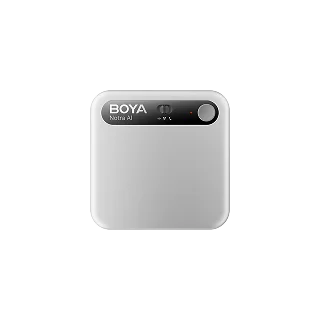
BOYA documents environmental, phone and Bluetooth-call recording modes. That makes Notra worth investigating when switching between call types is the reason you are looking beyond PLAUD. Test the intended phone, headset and application combination against the manufacturer's compatibility guidance before buying.
BOYA's September 3 product page listed a base allowance of 320 transcription minutes per month and a time-limited upgrade to 600 minutes for eligible device activations. Do not treat promotional minutes as a permanent, universal benefit: eligibility dates and duration matter.
Our judgment: its capture modes are the reason to shortlist it. A larger promotional allowance alone is not enough to justify replacing a recorder that already works.
Check BOYA's official modes and terms. This is a manufacturer information link, not a verified affiliate link.
TicNote: evaluate the software before buying the hardware
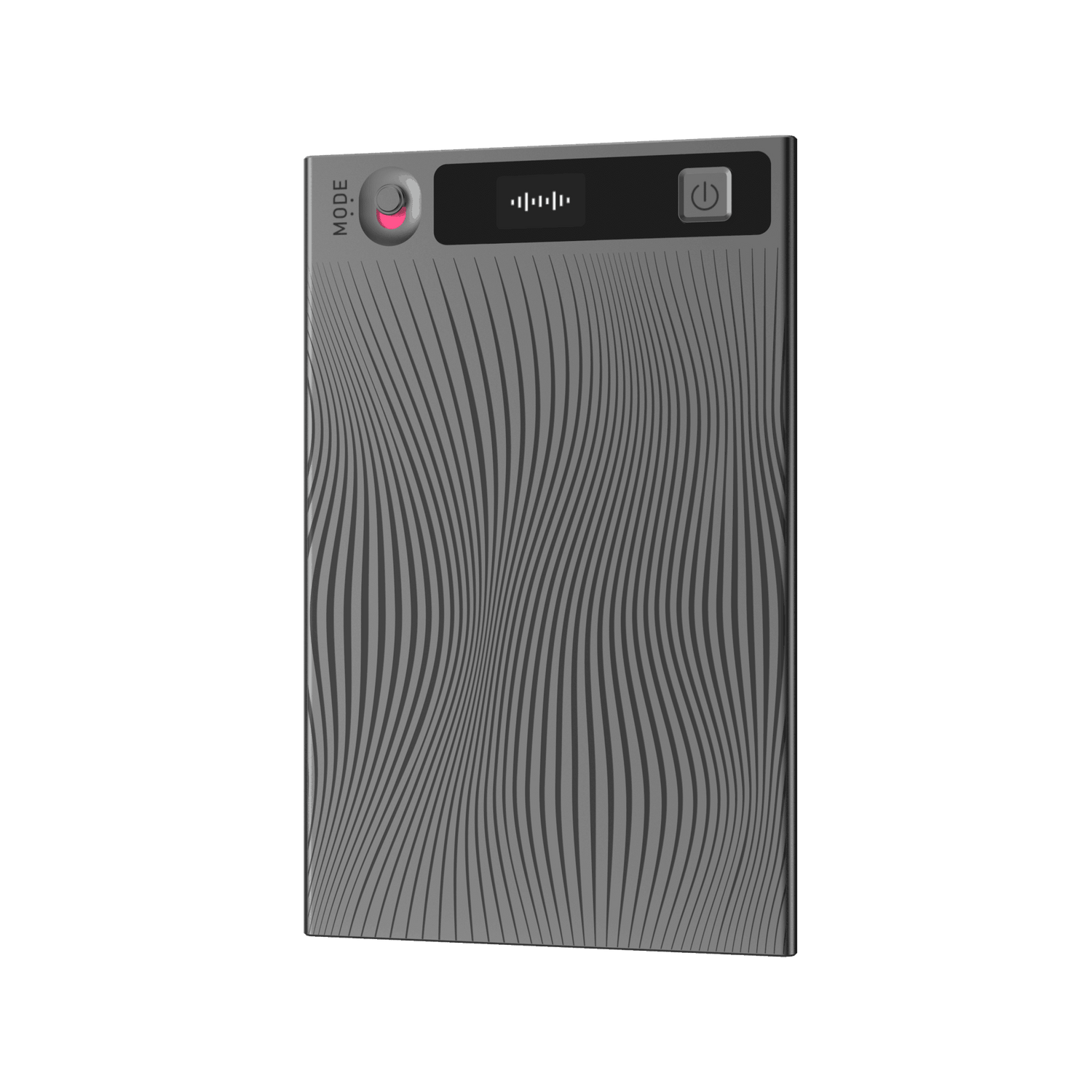
TicNote's official listing describes environmental recording and vibration-based phone recording, alongside transcription, summaries and its Shadow assistant. The decision is therefore about more than whether another thin recorder fits behind a phone.
Before switching, inspect a sample export and check whether notes can leave the service in the format your team uses. Look at the included plan, renewal terms and what remains available if you stop paying. A feature list cannot tell you whether reviewing and correcting a transcript is pleasant.
Our judgment: consider it when its software workflow solves a specific problem. We have not independently compared its accuracy with PLAUD.
Read TicNote's official product information. No verified affiliate link is available for this recommendation yet.
Zoom H1essential: when the recording is the deliverable
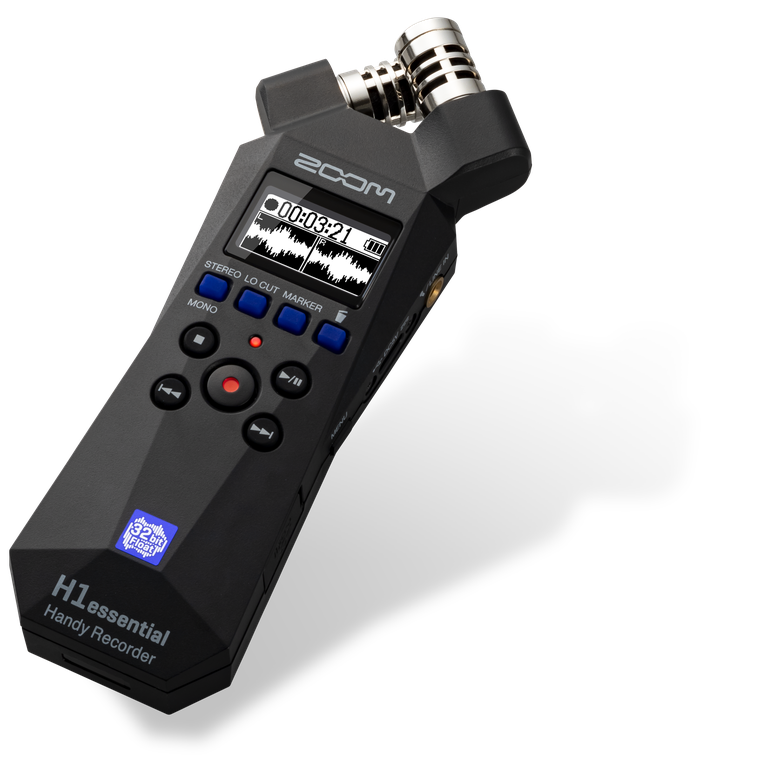
Zoom documents stereo X/Y microphones, 32-bit float WAV recording and removable microSD storage. This is a different category of alternative: it produces audio you can edit and process separately instead of packaging capture and AI notes together.
That separation can be useful for interviews and production work. It also adds steps. You need to decide how files reach your computer and which transcription service, if any, you will use. Neither 32-bit float nor a dedicated recorder removes the need for suitable microphone placement.
See Zoom's official specifications.
Sony ICD-UX570: an availability-dependent option
Sony documents conventional LPCM/MP3 voice recording and USB charging. Its US store showed out of stock during the September 3 check. Keep it as a conventional-recorder reference, not an immediately available buying recommendation, until a reputable seller and exact model are verified.
Compare the first-year workflow, not just the device price
Write down your expected monthly recording hours. Multiply by 60 and compare that figure with the included transcription allowance. Then account for software renewals, any required accessories and the time spent reviewing outputs. Label estimates as estimates; do not present assumed prices as live offers.
Before uploading work conversations, check organizational approval, processing location, retention and deletion controls. Confirm recording consent requirements for your situation. A security logo or marketing claim does not by itself establish that a device is suitable for sensitive work.
Two examples to calculate before checkout
These are hypothetical workloads, not product tests. Two 45-minute interviews each week across four weeks produce 360 minutes of audio. Five one-hour meetings per week across four weeks produce 1,200 minutes. The first buyer might prioritize easy capture and occasional top-ups; the second should evaluate the full paid-plan cost and time spent reviewing notes.
Do not confuse capacity with allowance. A recorder can have space for more audio than its plan will transcribe. Nor does an unlimited cloud-storage claim mean unlimited transcription. Check those as separate line items.
A practical purchase checklist
- Identify the hardest recording: a room, a regular phone call or a Bluetooth headset call.
- Confirm that exact mode and phone compatibility in official documentation.
- Calculate your monthly minutes and the first-year software commitment.
- Look at exports, speaker correction and deletion controls.
- Check the seller's return terms so compatibility problems can be addressed.
If you are still deciding between a wearable and a phone-attached recorder, start with our Soundcore Work vs PLAUD Note comparison. For a wider meeting-focused shortlist, see AI voice recorders for meetings.
Frequently asked questions
Can I avoid an AI subscription?
A traditional recorder separates audio capture from transcription. That can avoid a recorder-specific AI subscription, but any transcription service you choose may still charge or have limits.
Does offline recording mean offline transcription?
No. Saving audio on a disconnected device and processing speech locally are different capabilities. Verify both explicitly.
Should I replace a PLAUD device I already own?
Only if a specific limitation costs you time or prevents the recording you need. Compare the cost of changing devices and subscriptions with the benefit of solving that limitation.
Our recommendation
Do not replace working hardware just to chase a longer feature list. Choose the alternative that fixes your actual capture or review problem. For wearable, in-person use, start with the Soundcore review; for a different call mode, review BOYA's compatibility details; for editable audio, investigate Zoom's recording workflow before committing to a separate transcription service.
Check Soundcore Work Price at Amazon
Not sure it fits? Read the full review first. Buying nothing is a reasonable outcome if your phone already handles the job.
How this guide was prepared
We compared official documentation for capture modes, file handling, software dependencies and buyer fit. We did not buy or test these devices for this guide, assign invented scores, or reproduce customer reviews as our own experience. Manufacturer images show product design only. Plan information was checked September 4, 2026; the Sony stock observation is explicitly dated September 3 and is not a live inventory feed. Read our review methodology.