PLAUD Note vs Otter.ai: which meeting workflow fits you?
PLAUD Note is a physical capture tool that sends recordings to its app. Otter is a software-first meeting workspace. Choose PLAUD for calls and rooms; choose Otter for scheduled online meetings and team collaboration.
Updated September 1, 2026. We checked current product, support and pricing pages. This comparison does not claim a long-term side-by-side field test.
PLAUD wins on capture control. Otter wins on online meeting workflow.
PLAUD Note makes sense when you want a dedicated button, local onboard storage and phone-call recording. Otter makes sense when you want live transcription, calendar-connected meeting capture and collaborative notes without buying hardware.
Check PLAUD Note on AmazonAffiliate disclosure: We may earn a commission from qualifying purchases, at no extra cost to you. Otter is not an affiliate link here.
PLAUD Note vs Otter at a glance
| Question | PLAUD Note | Otter |
|---|---|---|
| What is it? | Dedicated recorder plus PLAUD app | Web, desktop and mobile meeting software |
| Best setting | Phone calls and in-person meetings | Zoom, Teams, Meet and phone or laptop recording |
| Included minutes | 300/month on Starter | 300/month on Basic |
| Paid individual tier | Pro lists 1,200 minutes/month | Pro lists 1,200 in-app minutes/month |
| Offline capture | Records to 64 GB onboard storage | Real-time transcription needs internet |
| Phone-call method | Dedicated vibration pickup mode | Does not directly record ordinary phone calls inside the app |
| Team workflow | Export and share through PLAUD app | Live transcript, comments, channels and integrations |
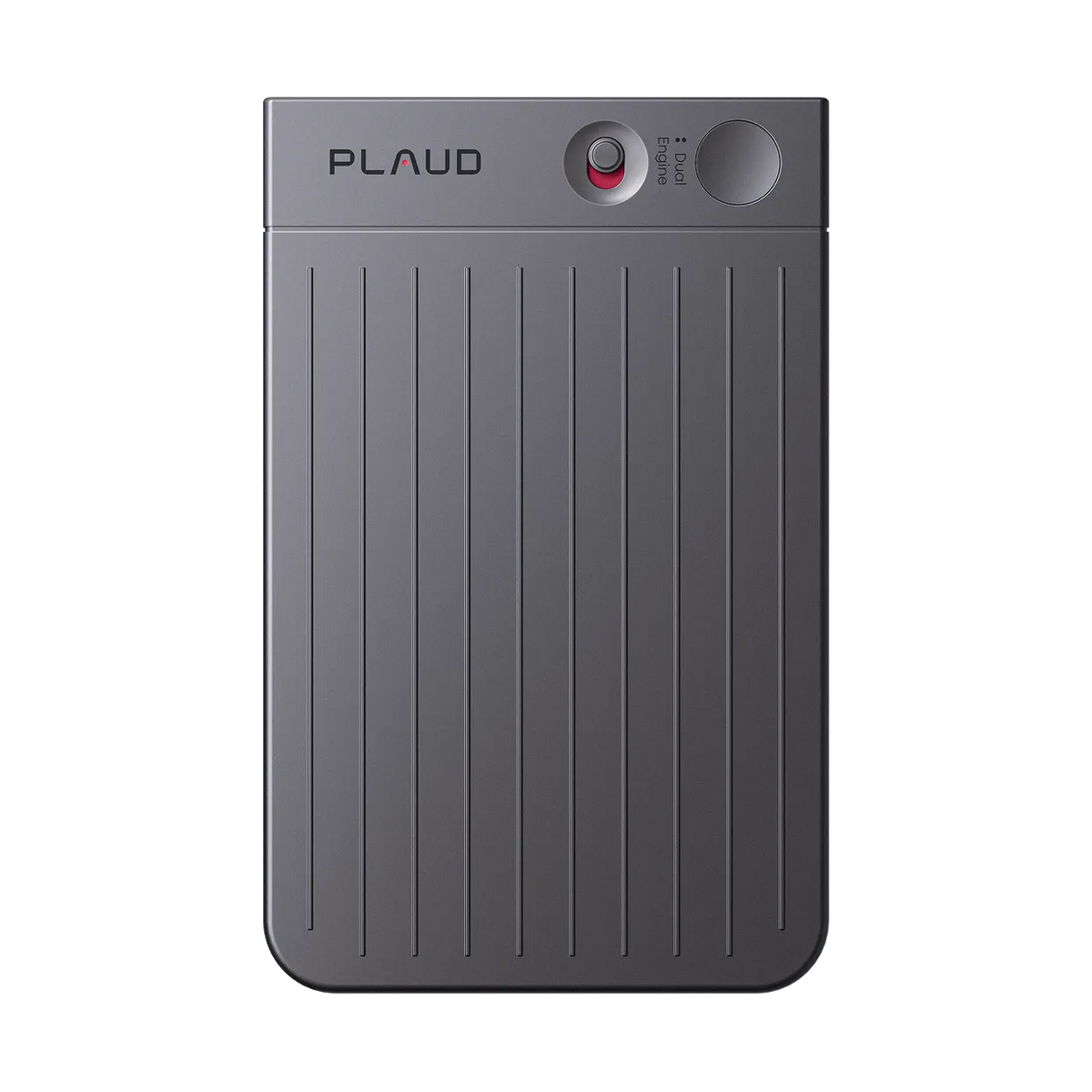
Official PLAUD Note product image.
The core difference is what starts the recording
PLAUD Note is purpose-built hardware. Slide the switch, press the button and the device captures audio to local storage. It later transfers the recording to the PLAUD app for transcription and summaries. That physical control suits conversations that do not begin on a calendar invite.
Otter begins with software. On a computer or phone, you can start a live recording through the app. For Zoom, Microsoft Teams and Google Meet, Otter recommends its Notetaker workflow. This is faster for scheduled online meetings, but in-person results depend on the microphone and position of the phone or computer.
Cost: similar minutes, different entry price
PLAUD Note requires buying hardware. The manufacturer currently lists the standard device at $159, though retail prices can change. Its included Starter plan provides 300 transcription minutes a month. The annually billed Pro plan is currently listed at $8.33 per month with 1,200 monthly minutes.
Otter’s Basic plan is free and currently includes 300 monthly transcription minutes. Its pricing page lists Pro at $8.33 per user per month on the standard annual view, with 1,200 in-app recording minutes and a 90-minute per-meeting limit. Promotional prices can appear, so verify the checkout figure before subscribing.
The cheaper experiment is Otter because it needs no dedicated hardware. PLAUD becomes easier to justify when a separate recorder prevents missed capture, frees your phone or handles calls that do not fit a meeting-bot workflow.
Audio capture and reliability
PLAUD Note lists two MEMS microphones, one vibration pickup component, a 9.84-foot advertised pickup range and 64 GB storage. The manufacturer claims up to 30 hours of continuous recording. Those specifications provide a predictable capture device, but they do not guarantee perfect transcripts in noisy rooms or overlapping conversation.
Otter uses the microphone available on your phone, computer, headset or external mic. Its own in-person guidance says audio quality depends on that input and notes that uploaded playback audio is compressed. A good external microphone can outperform a tiny recorder, while a poorly placed laptop can miss quiet speakers.
Transcripts, summaries and collaboration
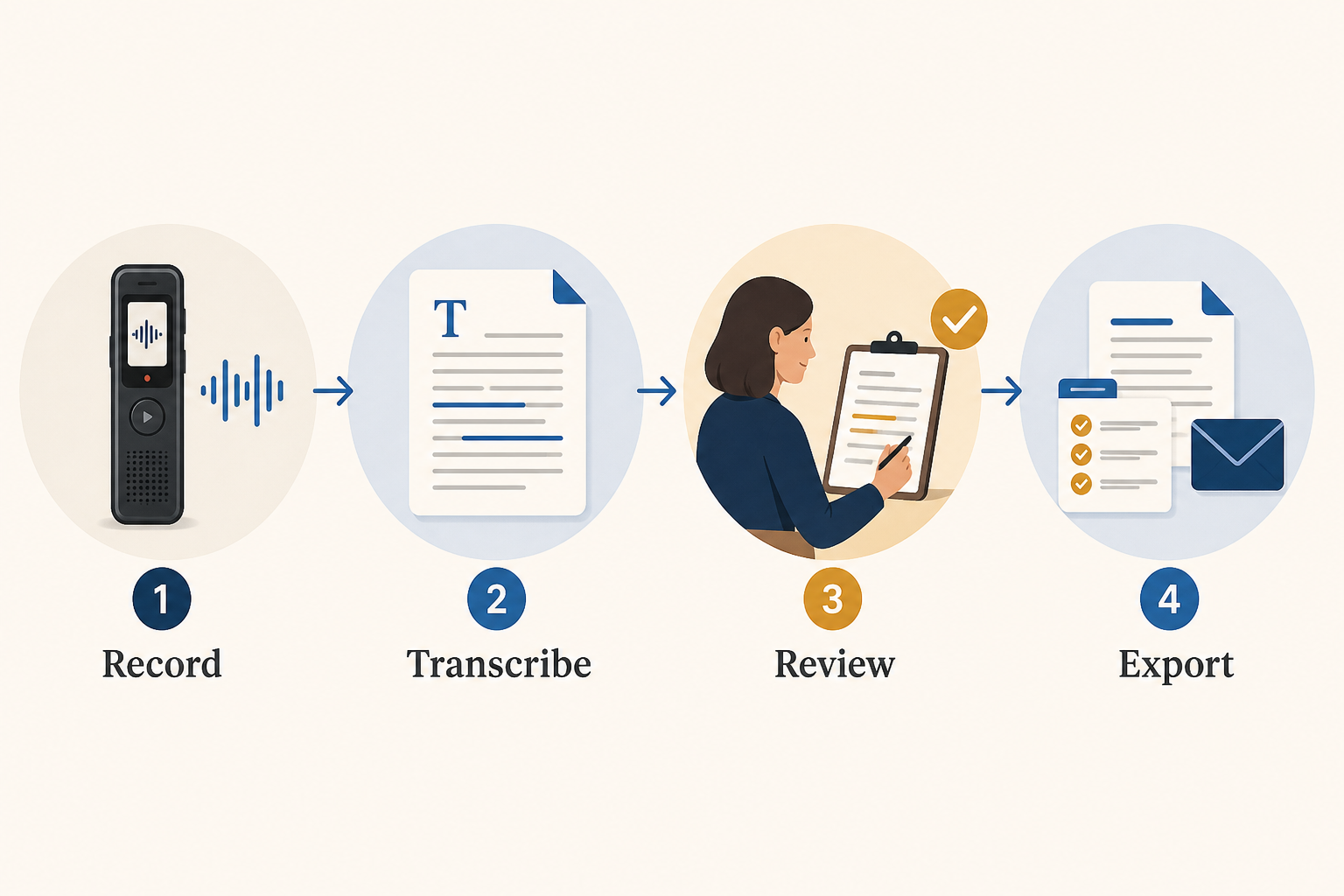
Both products turn recordings into transcripts and AI-generated summaries. The meaningful difference is where review happens. PLAUD is oriented around an individual capture library with export formats including DOCX, PDF, Markdown, TXT, SRT, MP3 and WAV under current support documentation.
Otter is more collaborative. Current plans include live transcription, speaker identification, audio playback and AI chat, while paid tiers add more search, export, workspace and integration features. For a team that annotates notes together or expects a bot in every online meeting, Otter’s software-first model is the natural fit.
Who should choose PLAUD Note?
- You record in-person conversations and phone calls.
- You want a dedicated button and onboard storage.
- You do not want to sacrifice your phone battery or keep an app open.
- You are comfortable reviewing PLAUD’s cloud, retention and plan terms.
Read our full PLAUD Note review for exports, language limitations and buyer fit.
Who should choose Otter?
- Most meetings happen through Zoom, Teams or Google Meet.
- You want to test transcription without buying hardware.
- Live transcript collaboration matters.
- Your phone or computer microphone already captures the room clearly.
Privacy and consent
Neither workflow removes your responsibility to obtain required consent. Recording laws vary, workplaces may have stricter rules, and cloud transcription can be inappropriate for sensitive material. Review the vendor’s current security controls, retention settings and your organization’s policy before standardizing on either product.
Frequently asked questions
Can PLAUD Note work without its app?
It can capture audio to onboard storage, but transcription, summaries and most workflow features depend on transferring recordings into the PLAUD app.
Can Otter record in-person meetings?
Yes. Otter documents recording through a computer browser or mobile app. Quality depends on the device microphone and placement, and real-time transcription requires an active internet connection.
Does Otter directly record regular phone calls?
Otter’s help center says it cannot directly record an ordinary phone call inside the app. Its documented alternatives involve supported meeting platforms or importing an existing recording where permitted.
Which is better for interviews?
Choose PLAUD for mobile, face-to-face interviews where dedicated capture matters. Choose Otter for remote interviews and collaborative review. For audio intended for production, consider a traditional recorder and separate transcription.