AI PILOT DAILY · PRACTICAL GUIDE · NOVEMBER 12, 2026
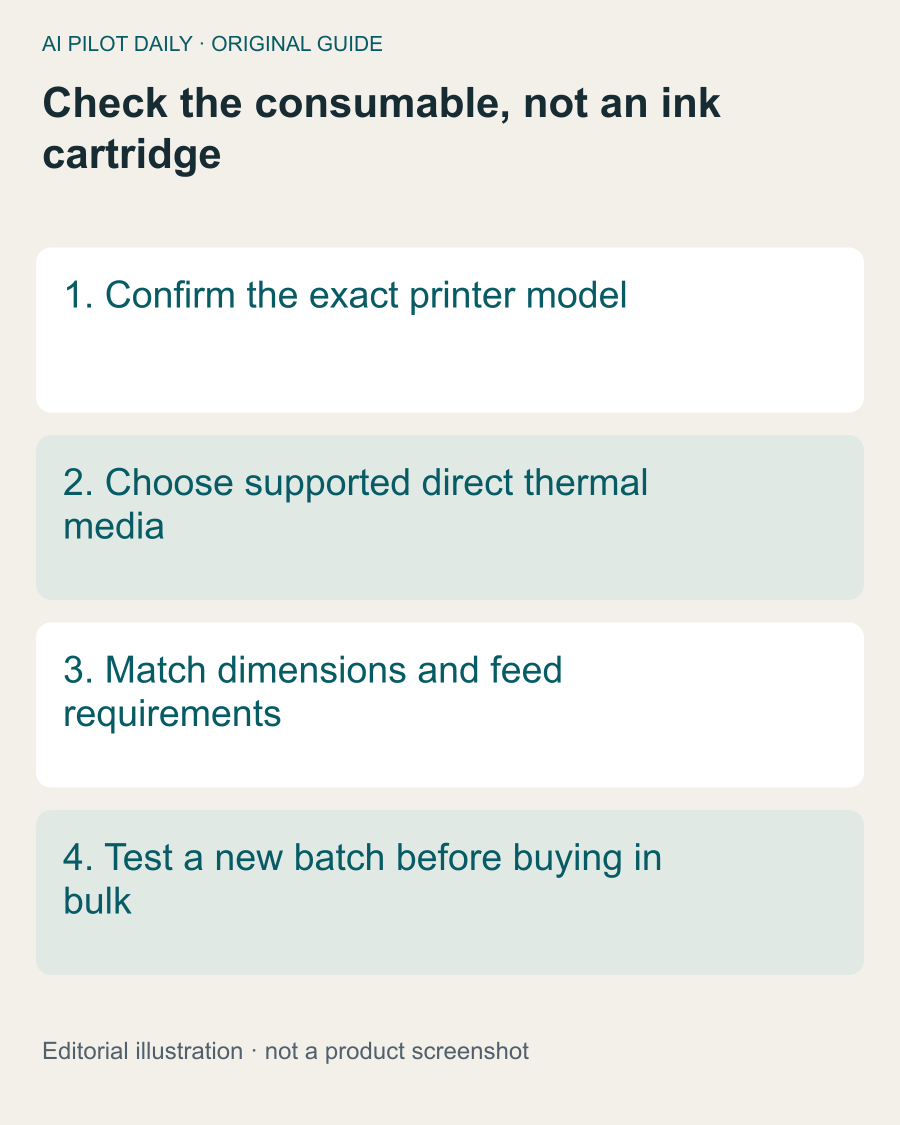
Rollo documents its printers as direct thermal: they use compatible heat-sensitive labels, not ink cartridges, toner or ribbon. That makes the label stock an important part of the printing system.

Thermal is not one universal label category
Do not buy a pack merely because “thermal” appears in the title. Rollo distinguishes direct thermal media from thermal-transfer media that needs a ribbon. Check the product description against the manufacturer’s media guidance for your printer.
Dimensions are another separate check. The correct printing technology does not establish that a particular size, backing or feed arrangement is suitable. Read the complete compatibility information before placing a bulk order.
Test the pack you will actually use
If a new batch produces different results, compare it with a previously working batch using the same sample file and settings. This helps isolate the material change. Avoid altering density, speed and the source document simultaneously.
A successful small test does not prove that every label in a large shipment is identical, but it is more useful than ordering a large quantity without any compatibility check.
Think in usable-label cost
Divide the pack price by the number of labels you can actually use, not simply the count on the carton. Include persistent waste in your evaluation. A low unit price can lose its appeal if the stock causes repeated reprints or packing delays.
Keep the comparison fair: use the same label size and the same job. Comparing a small product label with a shipping label tells you little about which supplier is better value.
What faded output does and does not mean
Faded printing is not evidence of an empty ink cartridge on a direct thermal printer. Investigate the supported media and settings using the manufacturer’s troubleshooting instructions. Do not improvise a refill or add a ribbon to a system not designed for one.
If maintenance is indicated, follow the model’s safety and cleaning guidance. Keep potentially damaging solvents and unsupported procedures out of an otherwise simple diagnostic process.
Store the purchasing details
Record the supplier, exact stock description, dimensions and batch information when available. If one pack works and the next does not, those details make support and replacement discussions more useful.
For a new packing station, begin with enough verified stock to learn the workflow. Increase the order size once compatibility and actual consumption are clear.
The important distinction is simple: the printer and the label are a system. Choosing the right consumable matters even when there is no ink cartridge to replace.
A common question
Can I buy any label marked thermal?
No. Match the exact printer’s supported technology, size and feed requirements.