AI PILOT DAILY · PRACTICAL GUIDE · NOVEMBER 12, 2026
A discounted label printer is a good purchase only if the exact model fits your station. Compare usable bundles and required connections before comparing percentage-off claims.

The model name is the beginning
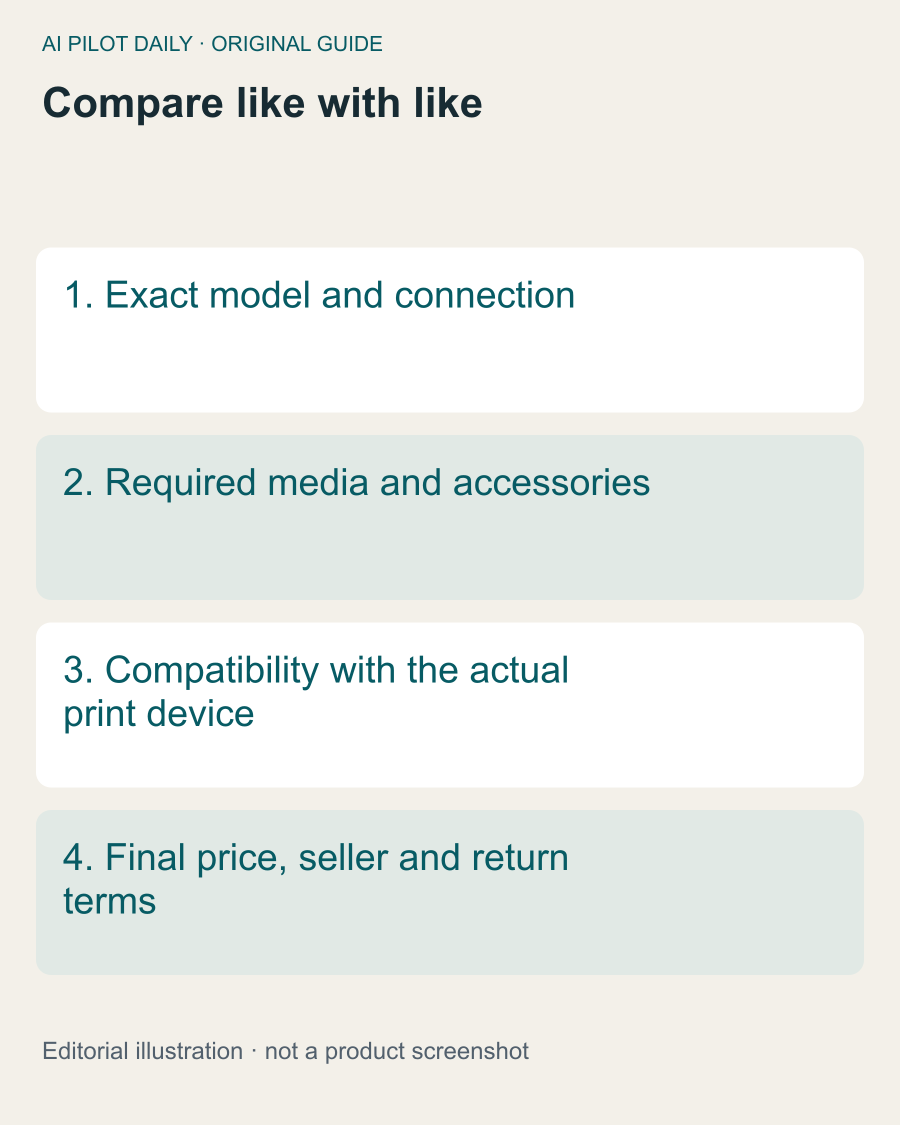
A brand can sell wired and wireless models with different compatibility. Check the exact model identifier and selected option in the order details. Do not assume the first product image represents every variant in a marketplace listing.
For Rollo, the manufacturer’s connection guidance distinguishes its Wireless and USB models. That distinction can determine whether the device fits a phone-based or computer-based station. Verify equivalent requirements for any competing printer.
Count only useful extras
A bundle with labels and a holder can be convenient, but only if the media is suitable and the accessories fit your workspace. A large quantity of stock you cannot use is not a saving.
Compare the hardware-only offer plus the accessories you actually need against the bundle’s final cost. Do not assign full retail value to every advertised extra merely to make a discount appear larger.
Check the selected seller and condition
New, refurbished and used equipment are different offers. Confirm the condition, included power supply and applicable support or return terms. Do not assume the manufacturer’s direct-store policy applies to another seller.
Keep a record of the selected configuration and what the order says is included. This is especially useful when a listing changes its default variant during a promotion.
Use a total-cost comparison
Include required media, accessories and any service you genuinely need. Do not add a shipping-platform subscription unless your workflow requires it. Equally, do not ignore a necessary component because it is sold separately.
If the current printer already meets your needs, compare the incremental benefit of replacing it. A lower price than last week does not establish that an upgrade solves a problem today.
A sensible buying rule
Write one sentence explaining why this model fits: “It supports the device we print from and handles the label format we use.” If your only reason is “the discount is large,” finish the compatibility check first.
After buying, run a representative test early enough to resolve a mismatch within the applicable return period. A bargain that cannot join the working station is not a bargain.
This is an offer-evaluation method, not a live deal list. Check current prices and conditions at checkout and avoid treating an unverified promotional headline as the final payable amount.
A common question
Is the biggest discount the best offer?
Not if the model, condition or included accessories do not fit your station.