Helium 10 Guides / Chrome Extension
XRAY WORKFLOW · CHECKED SEPTEMBER 24, 2026
Helium 10 Chrome Extension Free: Xray Limits and a 30-Minute Workflow
The free Helium 10 Chrome Extension is useful for learning how Xray turns an Amazon results page into a research table. It is not a substitute for a repeatable paid research workflow, and the exact allowance shown inside your account matters more than old limit claims found in forum posts.
What is the Helium 10 Chrome Extension?
It is the browser layer of Helium 10. On a supported Amazon search-results or product page, the extension can open Xray and related utilities without forcing you to copy every ASIN into a separate dashboard. Helium 10’s current Xray setup documentation tells users to log into their account, open Amazon in Chrome, load the relevant results page and launch Xray from the extension.
The extension is most valuable as a fast screening tool. It can help organize visible marketplace data and Helium 10 estimates into comparable rows. It cannot prove future demand, sourcing feasibility, intellectual-property safety or profit after advertising and returns.
Is the Helium 10 Chrome Extension free?
Helium 10 offers a Free plan with limited Chrome Extension access. Its live pricing page says Platinum and higher plans include full Chrome Extension access across supported Amazon, TikTok Shop and Walmart marketplaces. The public plan selector also labels Xray on Free as “Limited Access.”
What Xray can help you evaluate
| Signal | Useful question | Do not conclude |
|---|---|---|
| Price distribution | Is the niche clustered in a price band that could support your landed cost? | That the displayed price equals realized revenue after coupons, returns and fees. |
| Review concentration | Are most visible sales estimates concentrated among entrenched listings? | That low review count automatically means easy competition. |
| Estimated sales/revenue | Is there enough apparent activity to justify deeper validation? | That third-party estimates are audited Amazon results. |
| BSR and listing age | Does demand appear broad or dependent on a few mature listings? | That one snapshot explains seasonality or historical volatility. |
| Profitability inputs | Which dimensions, weight, fees and costs need verification? | That a calculator knows your true manufacturing, freight, PPC and return costs. |
A focused 30-minute free Xray workflow
1. Define the product precisely
Use a commercial phrase that describes one product type, audience and pack format. “Kitchen storage” is too broad; a phrase with product form and use case produces a more coherent result set.
2. Open Amazon and remove obvious noise
Choose the correct marketplace and category. Scan the first page for accessories, bundles or unrelated sponsored products that could distort the averages. Xray organizes results, but it does not decide which products are genuinely comparable.
3. Launch Xray once
Open the extension and record the allowance shown in your account before running additional searches. Save the date, marketplace, phrase and important filters. This prevents consuming limited uses on accidental reruns.
4. Compare the distribution, not the headline
Look for concentration: how much of the apparent revenue belongs to the top few listings? A high total can hide a niche where newcomers receive little traffic. Compare median-like listings rather than relying only on the largest seller.
5. Inspect three representative ASINs
Select a leader, a middle performer and a newer or lower-review listing. Check whether their product form, quantity and promise are truly comparable. Note visible weaknesses in images, variation structure, review complaints and offer clarity.
6. Run deeper research only when justified
If the niche remains coherent, move selected ASINs into a deeper product or keyword workflow. Our Cerebro workflow explains how to avoid contaminating reverse-ASIN research with unrelated competitors.
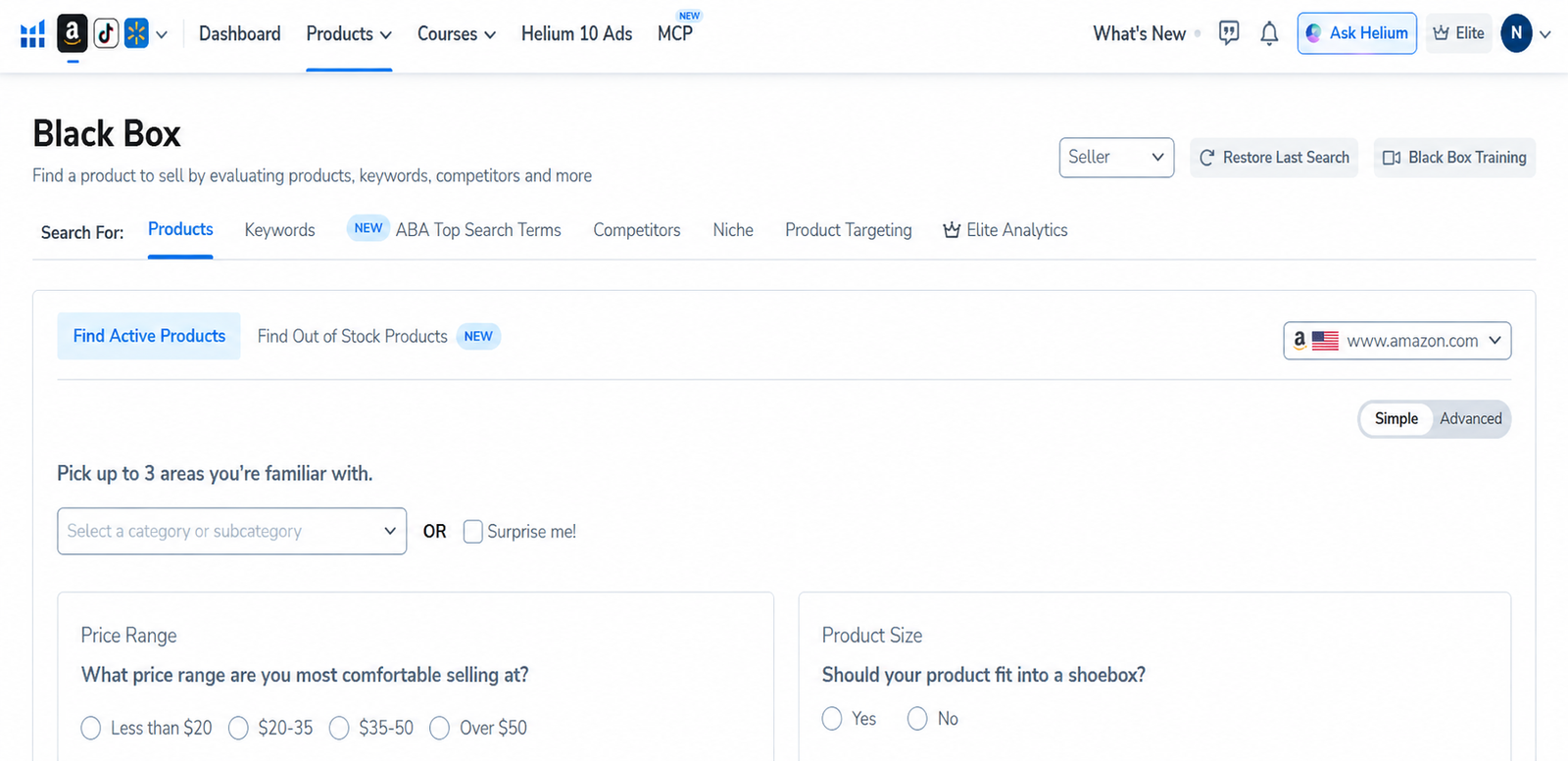
Xray versus Black Box, Cerebro and Magnet
| Tool | Best starting input | Primary job |
|---|---|---|
| Xray | An Amazon results or product page | Fast browser-based screening and comparison. |
| Black Box | Structured product criteria | Discover candidates across a wider database. |
| Cerebro | One or more comparable ASINs | Reverse-engineer competitor keyword visibility. |
| Magnet | A seed keyword | Expand related keyword ideas and demand signals. |
A sensible sequence is often Xray for screening, Black Box for structured discovery, then Cerebro or Magnet for keyword validation. Do not open every tool simply because it is available. Each additional query should answer a specific decision.
When is free access enough?
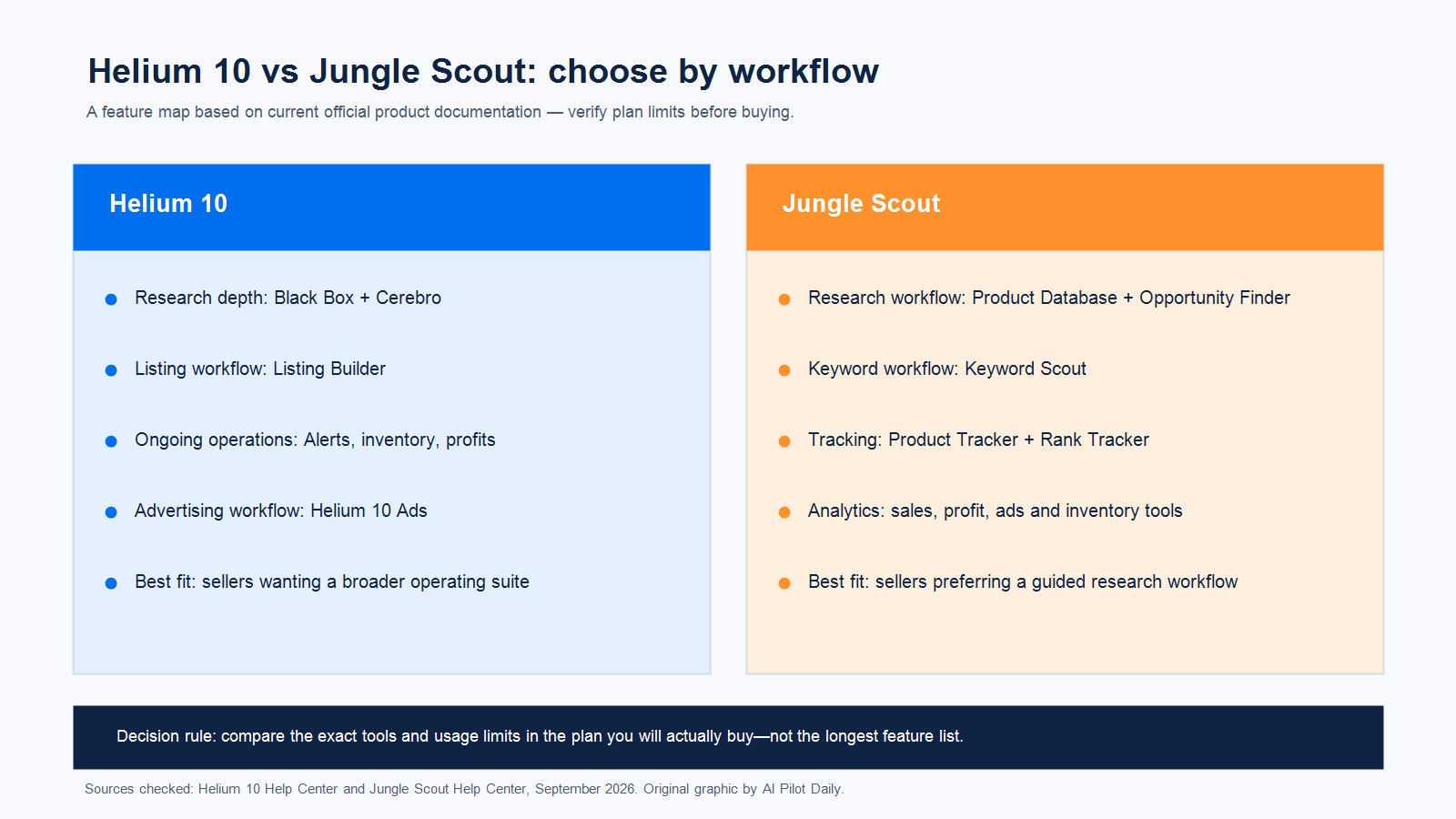
Before upgrading, compare our current Helium 10 pricing guide and the broader Free Plan test workflow. Platinum is normally the logical research tier; Diamond should be tied to a specific operational, advertising, team or AI requirement rather than chosen because it has the longest feature list.
Common mistakes with Xray
- Mixing unlike products: bundles, accessories and different pack counts make averages misleading.
- Treating estimates as guarantees: validate with Amazon-native evidence, costs and supplier reality.
- Ignoring seasonality: a single results page is a snapshot, not a demand history.
- Using every free search immediately: write down the decision first and stop once it is answered.
- Upgrading without a repeatable job: the paid plan only pays back when it improves a recurring workflow.
AFFILIATE DISCLOSURE
Test the extension before paying
AI Pilot Daily may earn a commission if you purchase through our links, at no extra cost to you. We use a paid Helium 10 account for interface and workflow research, but we do not claim that every Free account receives identical limits.
Compare current Helium 10 offers
Verify the live plan, billing period, eligibility and final checkout total before purchase.
Frequently asked questions
How many free Xray searches do I get?
Helium 10’s live plan materials describe Free Xray or Chrome Extension access as limited, while other official and community pages show varying counts. Use the entitlement shown inside your own account as the final answer.
Does Xray work without a Helium 10 account?
The official setup flow requires users to log into a Helium 10 account before opening Amazon and launching Xray.
Is Xray accurate?
Xray provides research estimates and organized marketplace signals. Treat them as directional evidence, not audited sales or profit figures.
Is Xray better than Black Box?
They solve different starting problems. Xray evaluates a visible marketplace page; Black Box searches a wider product database using structured criteria.
Should a beginner buy Platinum immediately?
No. First run a narrow free test. Upgrade when you can name the repeated research job and the expected time or decision value it will create.
Sources and editorial method
This guide uses Helium 10’s current live pricing page, its updated plan-selection article, official Xray setup documentation, Xray Keywords documentation and Profitability Calculator documentation. Community discussions were used only to identify recurring questions—not as proof of plan limits. Where public sources conflict, we defer to the live entitlement displayed in the user’s account.
Official sources: plans and pricing · plan selector · Xray setup · Xray Keywords · Profitability Calculator.