AI PILOT DAILY · PRACTICAL GUIDE · NOVEMBER 12, 2026
Choose the connection that fits the device you actually print from. A fixed computer station and a phone-first packing workflow have different needs. Verify the exact Rollo model before buying.

Start at the point where a label is created
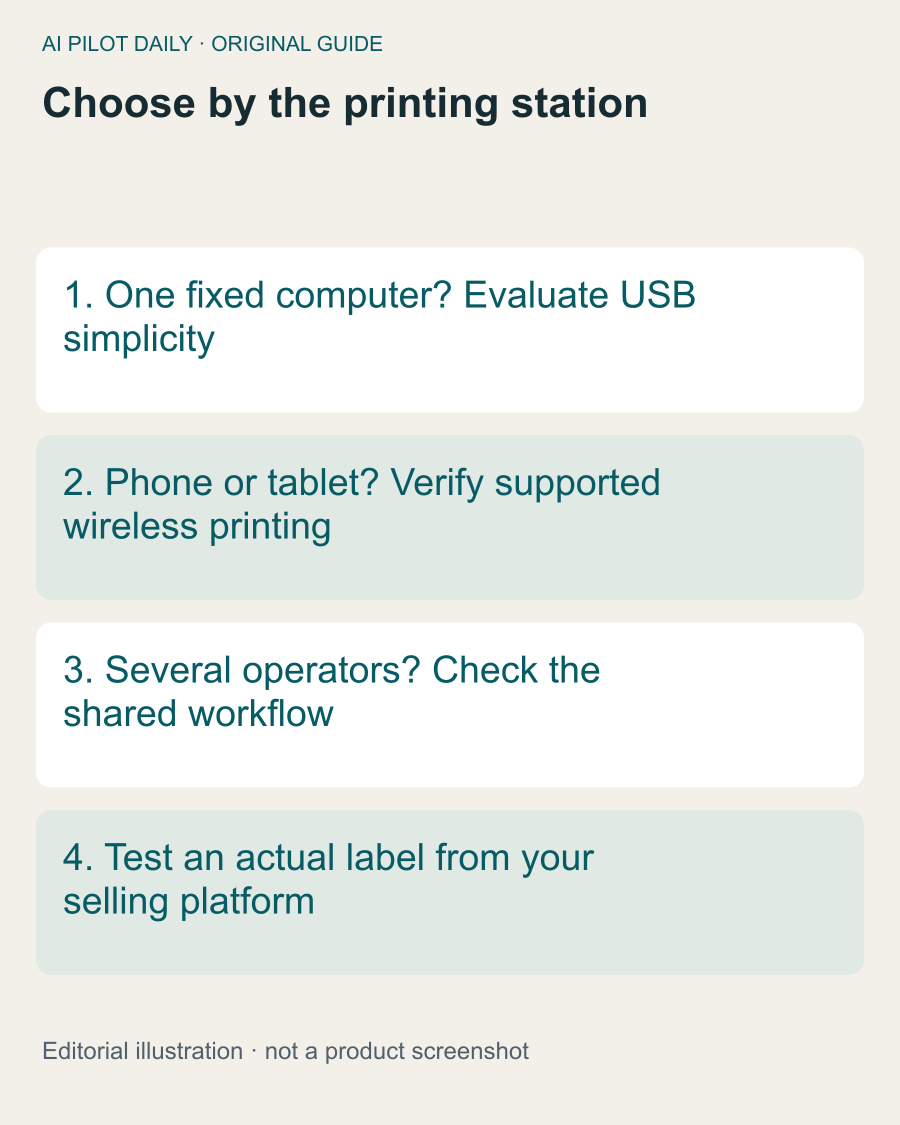
Which device produces your shipping labels: a desktop, a laptop moved around the workspace or a phone? The answer should drive the connection choice. A wireless model does not automatically improve a station where one computer sits beside the printer all day.
Rollo’s support guidance distinguishes its Wireless model, which supports AirPrint and multiple operating systems, from the USB model, which connects to a Mac or Windows computer. Do not treat those models as interchangeable when buying for a tablet-based station.
Map one complete order
Follow an order from the selling platform to the printed label. Include any PDF download, print dialog and handoff between people. Count the awkward steps. The best connection is the one that removes a real obstacle in that path.
If an operator must email a file to another computer for every label, a supported direct printing route may help. If the current route already works reliably, replacing it may add setup without a meaningful benefit.
Check the shared environment
For wireless use, confirm the network arrangement and the access rules at the location. A guest network or a managed workplace can behave differently from a home setup. Do not buy based on an assumption that every device can discover every printer.
For a cable-based station, consider where the computer and printer will sit, how labels feed and whether the cable interferes with packing. Connection reliability is only one part of a usable workstation.
Evaluate a real label, not a demo page alone
A successful test page confirms part of the setup. Also print the label format you actually generate and inspect size, orientation and readability. Keep a non-sensitive sample for testing rather than repeatedly printing a customer’s address.
Document the working settings so another operator can repeat the process. A setup that only one person understands can become a bottleneck during busy periods.
When the extra cost is justified
Pay more for wireless capability when it solves a supported device or workflow requirement. Do not invent a time-saving estimate before observing the process. Conversely, do not choose the cheapest connection if it forces a workaround for every order.
The useful comparison is not “wireless is better.” It is “this model supports the station we intend to run, with fewer unnecessary steps.” Verify the exact listing and current compatibility before making that decision.
A common question
Is wireless always the better purchase?
No. Choose the connection that supports the real printing device and workstation.