
Best AI Coding Tools 2026: Complete Comparison Guide
I’ve spent the past month testing every major AI coding tool. This guide shares what I learned so you can make the right choice for your workflow.

The Top AI Coding Tools in 2026
After extensive testing across real projects, here’s my ranking:
1. Cursor – Best overall AI IDE
2. Claude Code – Best for complex reasoning
3. GitHub Copilot – Best for Visual Studio integration
4. Windsurf – Best value for beginners
5. Replit Agent – Best for quick prototyping
Detailed Comparison

Cursor: The All-Rounder
Cursor has become my primary IDE. The combination of AI power and thoughtful UX makes it the best choice for most developers.
What I love:
- Cmd+K for inline AI completion
- Composer for multi-file generation
- Context awareness is excellent
- Regular updates with new features
The catch:
- Pro subscription is $20/month
- Learning curve if you’re new to AI coding
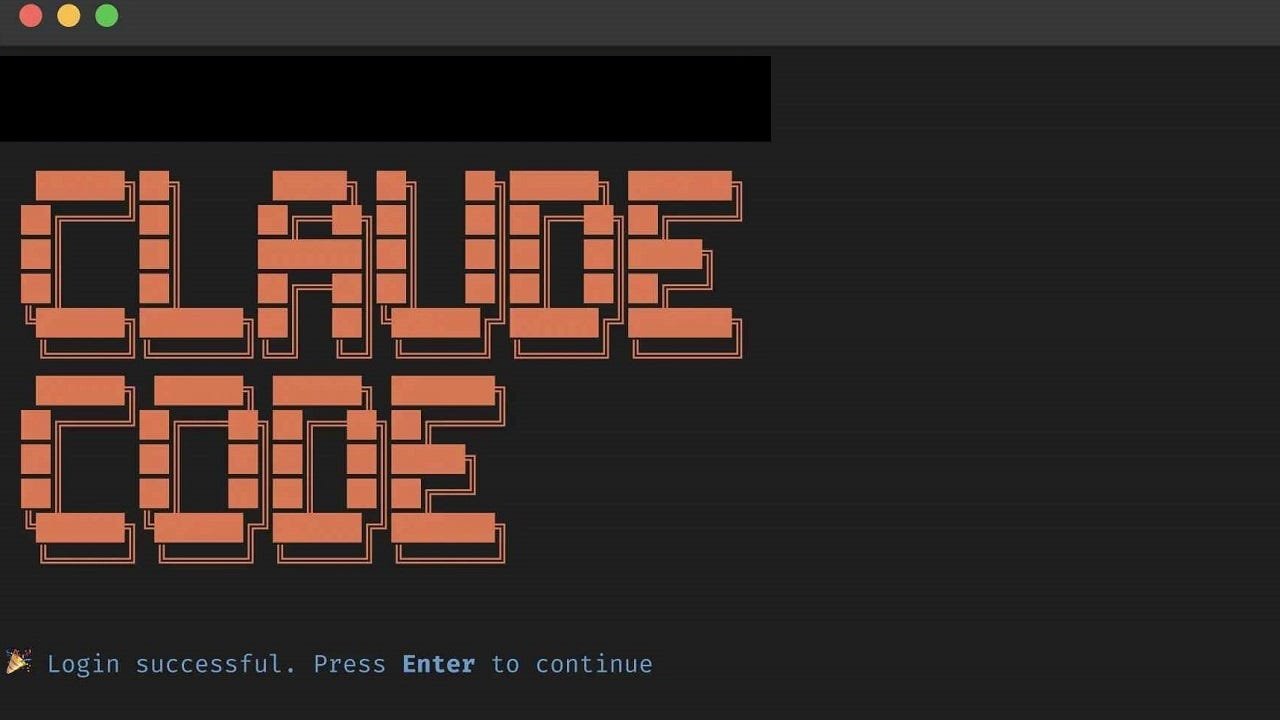
Claude Code: The Deep Thinker
For complex projects requiring careful reasoning, Claude Code is unmatched. It’s particularly strong when you need to think through architectural decisions.
What I love:
- Excellent at understanding project context
- Suggestions are well-reasoned
- Great for refactoring and debugging
- Ethical AI guidance built-in
The catch:
- No native IDE integration
- Requires Claude Pro subscription
GitHub Copilot: The Integration King
If you’re already in VS Code or JetBrains IDEs, Copilot is the easiest choice. The integration is seamless and it handles most common coding tasks well.
What I love:
- Perfect VS Code integration
- Low learning curve
- Fast suggestions
- Good for boilerplate code
The catch:
- Less powerful for complex tasks
- Can suggest outdated patterns
Quick Decision Guide
| Priority | Best Choice |
|||
| Best overall | Cursor |
| Complex projects | Claude Code |
| Easy integration | GitHub Copilot |
| Budget-friendly | Windsurf |
| Quick prototyping | Replit Agent |
My Recommendation
For most developers, I recommend starting with Cursor. It offers the best balance of power, usability, and value. Once you’re comfortable with AI coding, you can add Claude Code for complex work and Copilot for quick inline completions.
Pricing Overview
| Tool | Free Tier | Paid Tier |
||||
| Cursor | Limited | $20/month Pro |
| Claude Code | 5 uses | $20/month Pro |
| Copilot | Trial | $10/month |
| Windsurf | Limited | $15/month |
| Replit | Limited | $10/month |
Bottom line: Invest in Cursor Pro—you’ll recoup the cost in productivity within a week.
*What AI coding tool are you using? Share your experience in the comments below!*
Related Articles
- [Cursor AI](https://aipilotdaily.com/cursor-ai-review-2026) – detailed Cursor review
- [Claude Code](https://aipilotdaily.com/claude-code-complete-guide-2026) – complete Claude Code guide
- [GitHub Copilot vs Cursor](https://aipilotdaily.com/github-copilot-vs-cursor-2026) – detailed comparison
- [AI coding assistants](https://aipilotdaily.com/how-ai-coding-assistants-2026) – how they work


Leave a Reply