As an Amazon Associate I earn from qualifying purchases. This guide includes an affiliate link.
AI PILOT DAILY · PRACTICAL GUIDE · NOVEMBER 12, 2026
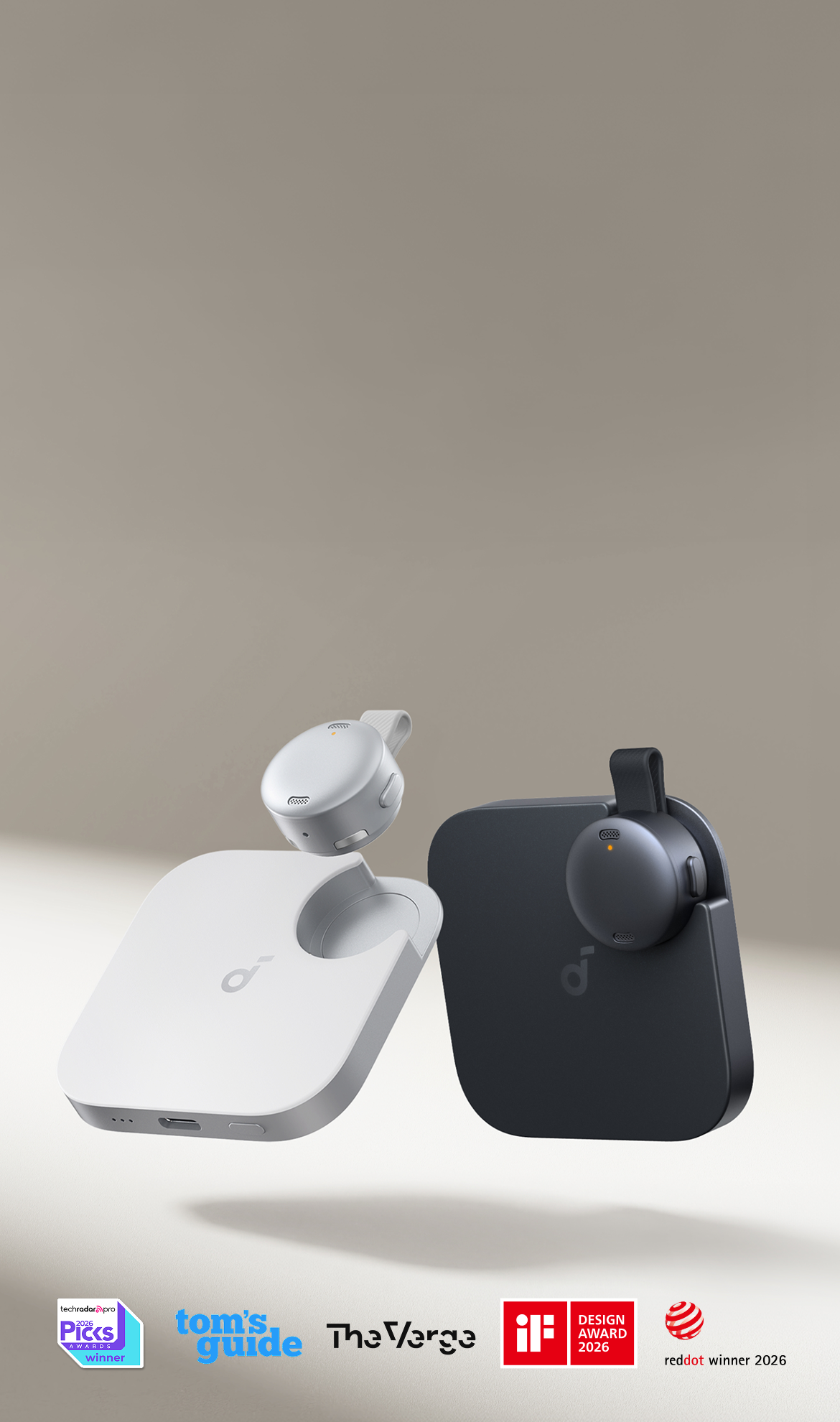
The current soundcore Work product page says audio files cannot be exported through USB. If your workflow depends on dragging recordings from a cable-connected device into a folder, verify the supported alternative before buying.
A charging connector is not an export promise
It is easy to see a USB-C connector and assume the recorder behaves like a removable drive. The connector’s shape does not establish which functions the product supports. Read the exact model’s transfer instructions rather than relying on how another recorder works.
For soundcore Work, the manufacturer’s current page explicitly rules out USB audio export. That limitation matters most to people who depend on cable-only workflows, shared workstations or direct file archiving. It may matter less to someone comfortable with the supported app workflow.
Define the file you need
“Export” can mean several different things: a transcript, a summary, a link to a recording or an audio file you can store independently. Decide which you need. A text summary is not an audio backup, and a shared web link is not the same as a portable file.
For an interview archive, list the required outputs before testing. You may need original audio, a readable transcript and a stable identifier connecting the two. For a casual personal reminder, plain text may be sufficient. Avoid buying around a feature name without defining the outcome.
Run a small end-to-end test
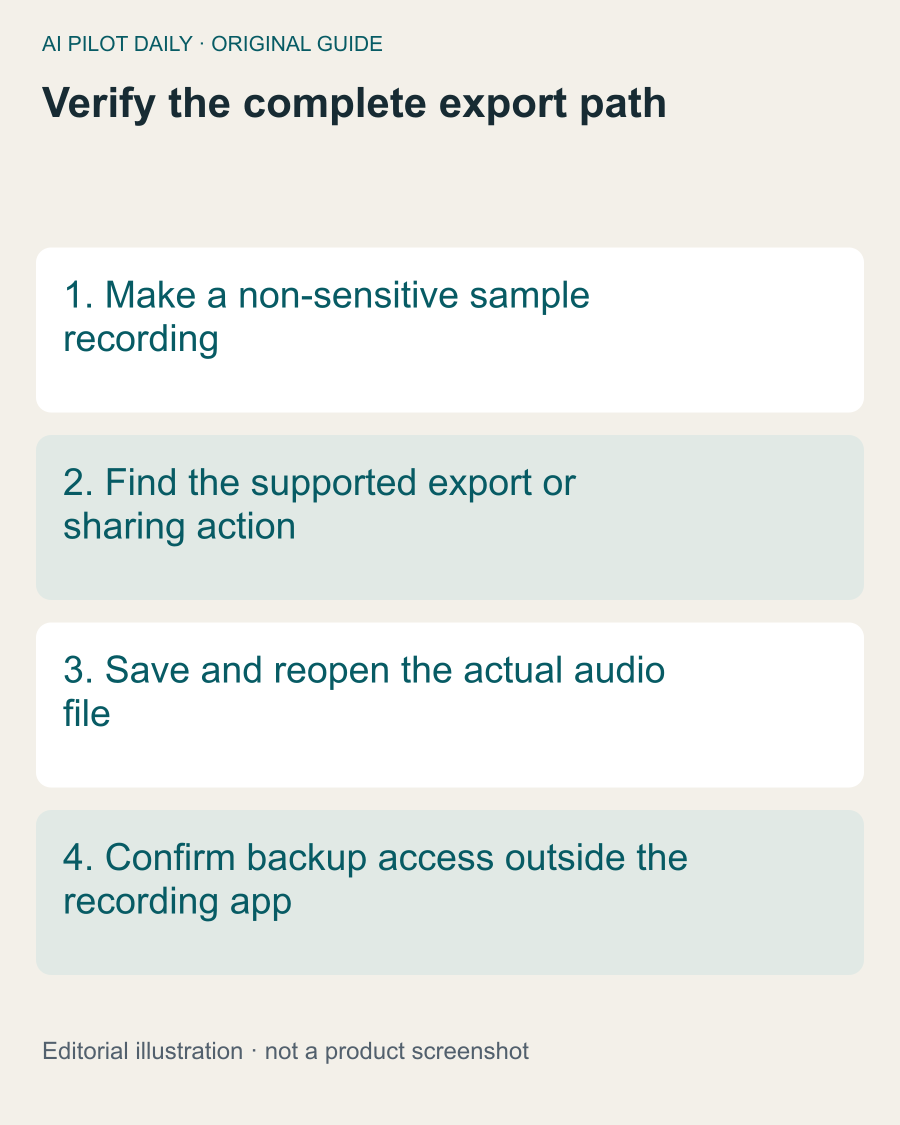
Use a non-sensitive recording. Follow the current supported export steps, save the result to your intended destination and reopen it from that destination. Check the filename, duration and whether the file contains the whole recording. If the destination is a work system, confirm that it is approved for this material.
Then repeat the process with the device disconnected, where applicable. You are checking whether the saved output is genuinely available independently, not merely visible through an app that still has access to the original. Do not delete the source to test this; preserve it until the backup is verified.
Questions to resolve before a deadline
- Can the required output be saved in a format your editing software accepts?
- Does the workflow require a particular phone, account or internet connection?
- Can you process multiple recordings without losing their identities?
- What happens if the app or account is unavailable when you need the file?
Get precise answers from current documentation or support. If direct removable-media access is a non-negotiable requirement, compare recorders designed around that workflow instead of hoping a future update will change the limitation.
Who should still consider it?
Someone who values convenient wearable capture and is satisfied with the supported app-to-output process may find the tradeoff acceptable. The decisive issue is not whether USB export sounds advanced. It is whether the actual path from recording to usable file fits your work.
A common question
Is a shared recording link an audio backup?
Not necessarily. Verify that you can save and reopen the actual file independently through the supported workflow.
If this workflow fits your needs, check soundcore Work on Amazon. Confirm the selected model, storage and current offer.