AI PILOT DAILY · PRACTICAL GUIDE · NOVEMBER 12, 2026
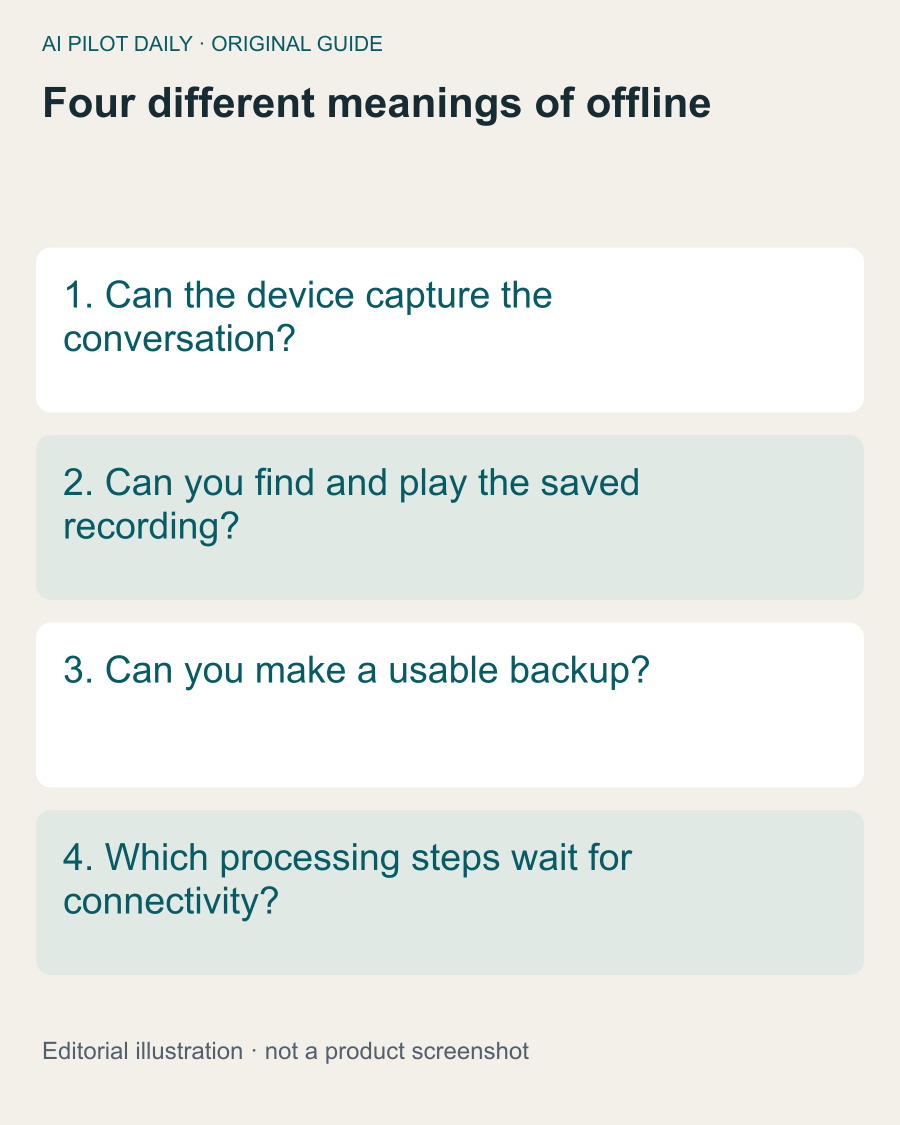
Treat offline recording, offline playback, file transfer and AI processing as separate capabilities. Test the exact steps you will need without connectivity before leaving.

Write down your travel workflow
“Works offline” is too vague for planning. You may need to record a conversation, confirm it saved, copy it somewhere safe and deliver notes before reconnecting. A product can support one step without supporting the others.
List the required outcomes in order. Then compare them with the current documentation for the exact hardware, app and account arrangement. Do not assume a feature on a related model applies to yours.
Run a non-sensitive rehearsal
Use the same phone and recorder you intend to take. After any required initial setup, test the workflow under the connectivity conditions you expect. Confirm the recording can be found and played. Check whether the exported output is a real file or a link requiring an online service.
Keep the source recording throughout the test. Avoid deleting, resetting or signing out as an experiment unless you understand the consequences and have verified backups. A rehearsal should reduce risk, not create a recovery problem.
Separate the capture deadline from the processing deadline
If transcription requires connectivity, plan when it will happen. A promise to deliver written notes immediately after an offline interview may be unrealistic even when recording itself is reliable. Communicate the actual delivery plan rather than relying on a hoped-for connection.
Carry a simple fallback for key facts: brief written notes, timestamps and a list of items to confirm. These do not replace the recording, but they can help you organize the conversation while processing is unavailable.
Check capacity and power with headroom
Estimate the recording volume between opportunities to charge or offload. Use manufacturer guidance and your own verified experience with the actual setup; do not treat maximum advertised endurance as a guaranteed travel schedule.
Pack the correct cable and required accessories. A spare cable is useful only if it supports the task you need. Charging support does not establish data-transfer support.
When you reconnect
Confirm that every expected recording is present before starting a large processing batch. Use identifiers or a session log to spot missing material. Verify backups and check representative outputs rather than assuming a completed sync covers everything.
This preparation is particularly useful for field interviews and travel with uncertain connectivity. If the workflow fails a small rehearsal, choose a more suitable setup or adjust the delivery promise before relying on it for important material.
A common question
Does offline capture imply offline transcription?
No. Check recording, playback, transfer and processing as separate capabilities.